What to Check First
- Move your food to another refrigerator or an insulated cooler to keep it from spoiling.
- Place dry towels on the floor around the refrigerator to catch any water as the ice melts.
- If an ER FF or ER rF error code appears, the fan motor in the freezer or refrigerator compartment may not be working properly. Ice or frost buildup around the fan motor usually prevents it from turning. To resolve the issue, unplug the refrigerator and leave both doors fully open for at least 24 hours. Allow any ice or frost inside to thaw naturally before plugging the refrigerator back in.
- This indicates that your freezer fan motor is not operating properly. Ice or frost buildup around the motor usually prevents the fan from turning. This often happens when the freezer contains too much food or the door is not fully closed, allowing outside air to enter.
- This indicates that the fan motor in the refrigerator compartment is not operating properly.
- Move your food to another refrigerator or an insulated cooler.
- Place dry towels on the floor around the refrigerator to absorb any water as the ice melts.
- Unplug the refrigerator, and leave the freezer and refrigerator doors fully open for at least 24 hours to allow the ice or frost to melt naturally. Defrosting may take approximately one day in summer and up to three days in winter, depending on the amount of ice.
- Once the ice has completely melted, wipe away any remaining moisture inside the refrigerator with a dry towel.
- Plug the refrigerator back in and allow 24 to 48 hours for the compartments to reach their normal operating temperatures.
Why This Can Happen
Symptoms can have more than one cause, and the correct steps depend on the exact model, installation and operating conditions. Use the checks above to narrow the issue before service.
Safety and Model-Specific Guidance
Frequently Asked Questions
What should I check first for How to Fix ER FF and ER rF Error Codes on Your LG Refrigerator?
Move your food to another refrigerator or an insulated cooler to keep it from spoiling.
When should I stop troubleshooting and contact LG?
Stop if the product shows signs of electrical damage, burning, leaking near electrical components, or if the recommended checks do not resolve the issue. Use LG USA support for model-specific service guidance.
Does this guidance apply to every LG model?
Not always. Controls, error codes and service steps can differ by model. Confirm the exact model number and follow the linked LG USA article for model-specific instructions.
Related LG Products
These model pages are linked because the stored category or exact model matches this Help Library topic.
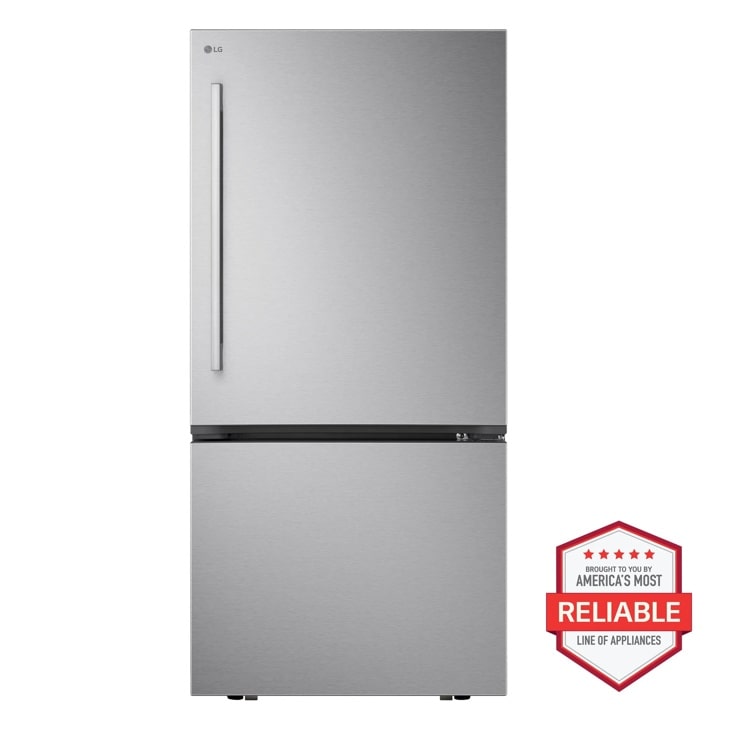
LG LB26H2200S — 29 cu. ft. Smart Standard-Depth MAX™ 4-Door French Door Refrigerator with Slide-in Gas Range and FlushFit™ Top Control Dishwasher Kitchen Package in Stainless Steel
Home Appliances · Top Appliance Deals
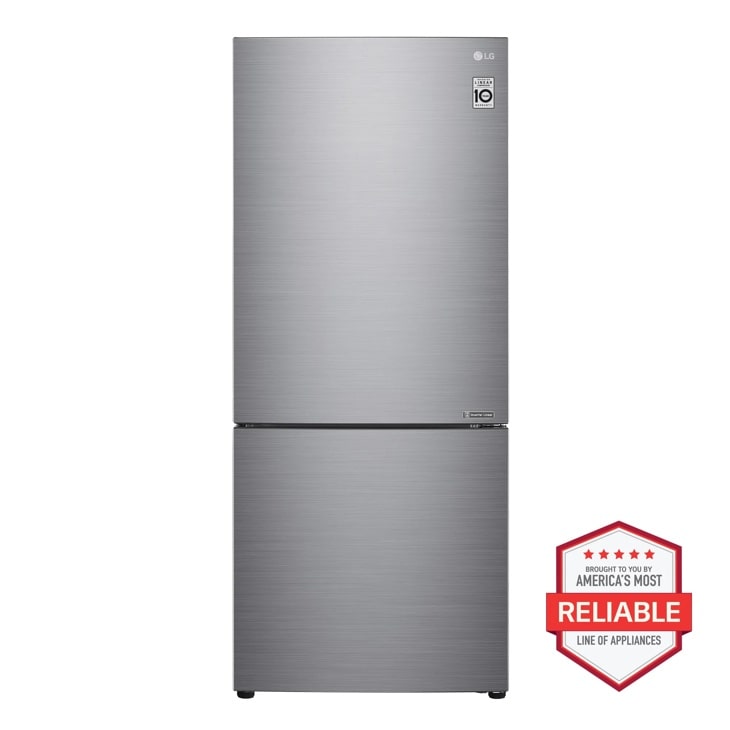
LG LBNC15231V — 15 cu. ft. 28 Inch Wide Bottom Freezer Refrigerator - Stainless Steel
Discover the LG 28-inch wide Bottom Freezer Refrigerator that features a reversible door and Door Cooling+ for food freshness. Click to view the LBNC15231V.
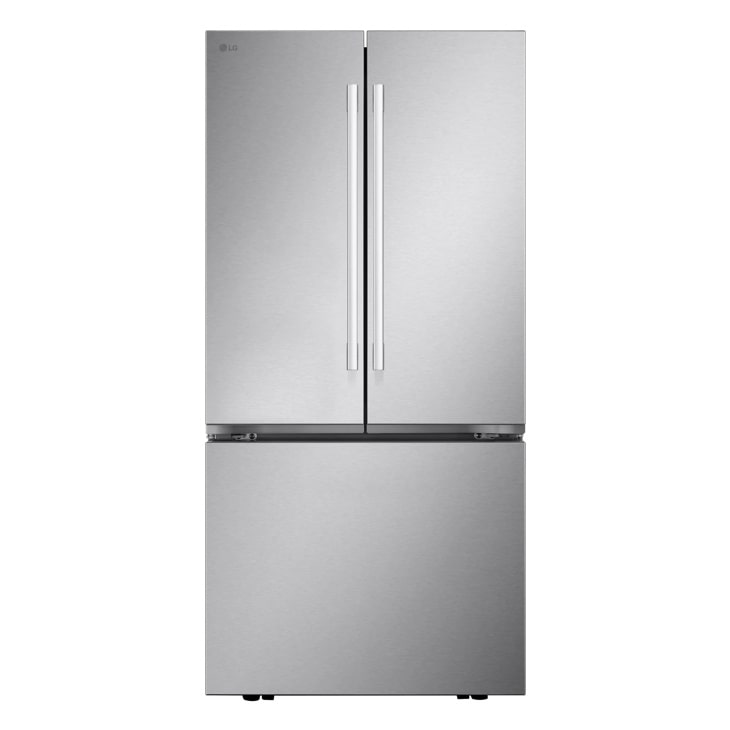
LG LF21G6201S — Essential 4-piece Kitchen Package with 29 cu. ft. 4 Door French Door Refrigerator, Freestanding Induction Range, Front Control Dishwasher and Microwave in Stainless Steel
Home Appliances · Top Appliance Deals
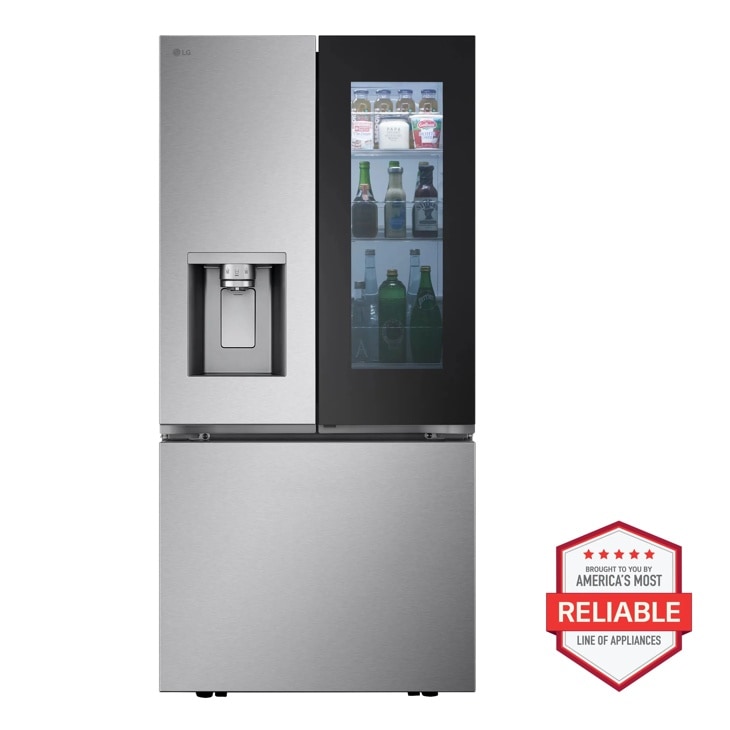
LG LF25S6560S — 29 cu. ft. Smart Standard-Depth MAX™ 4-Door French Door Refrigerator with Full-Convert Drawer™
Home Appliances · Top Appliance Deals
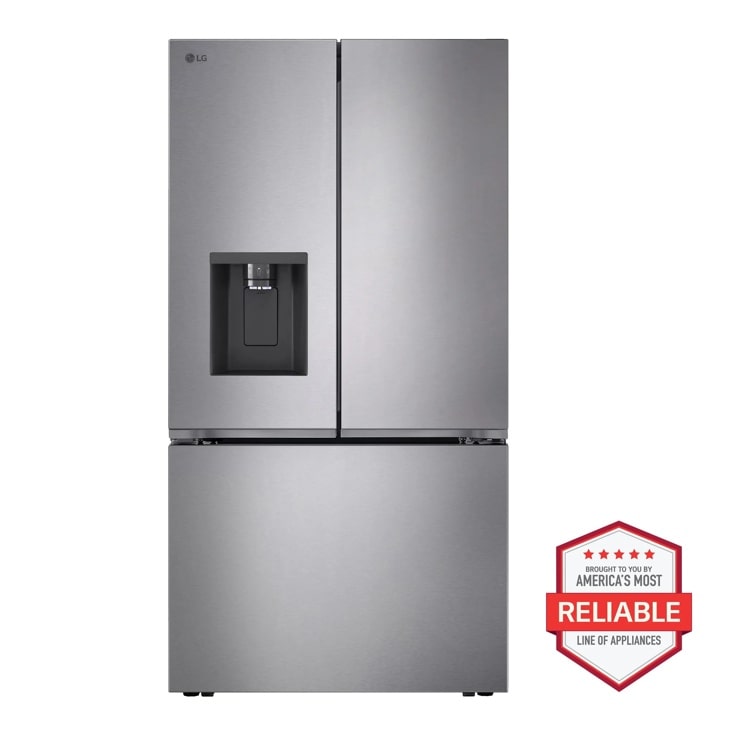
LG LF26C6230V — 26 cu. ft. Counter Depth MAX 3-Door French Door Refrigerator with Ice and Water Dispenser
Home Appliances · Top Appliance Deals