What to Check First
- Press the F key on the main body of the sound bar or press the F key on the sound bar remote controller to select the BT mode. Press down the auto power-off key of the remote controller for about 2 seconds. On the left, the red LED blinks and it means that the setting is completed.
- This guide was created for all models, so the images or content may be different from your product.
Why This Can Happen
Symptoms can have more than one cause, and the correct steps depend on the exact model, installation and operating conditions. Use the checks above to narrow the issue before service.
Safety and Model-Specific Guidance
Frequently Asked Questions
What should I check first for I want to enable the BT LOCK function of the sound bar?
Press the F key on the main body of the sound bar or press the F key on the sound bar remote controller to select the BT mode. Press down the auto power-off key of the remote controller for about 2 seconds. On the left, the red LED blinks and it means that the setting is completed.
When should I stop troubleshooting and contact LG?
Stop if the product shows signs of electrical damage, burning, leaking near electrical components, or if the recommended checks do not resolve the issue. Use LG USA support for model-specific service guidance.
Does this guidance apply to every LG model?
Not always. Controls, error codes and service steps can differ by model. Confirm the exact model number and follow the linked LG USA article for model-specific instructions.
Related LG Products
These model pages are linked because the stored category or exact model matches this Help Library topic.
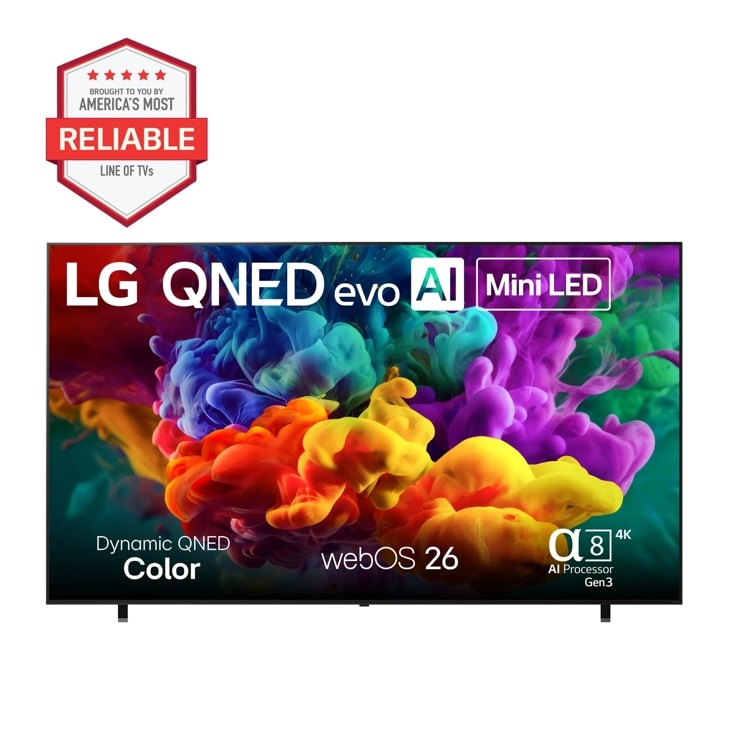
LG 100QNED84BU — 77 Inch Class LG OLED evo AI W6 4K Smart TV 2026 with Wallpaper Design and Supplied Flush Wall Mount
Home Appliances · Top Appliance Deals
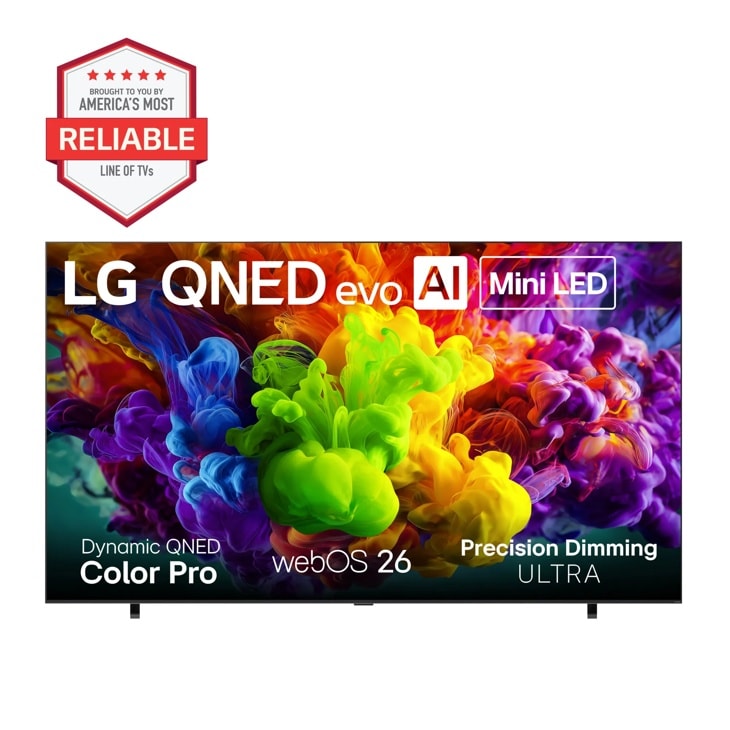
LG 115QNED92BU — 115 Inch Class LG QNED evo AI QNED92B Mini LED 4K Smart TV 2026
Home Appliances · Top Appliance Deals
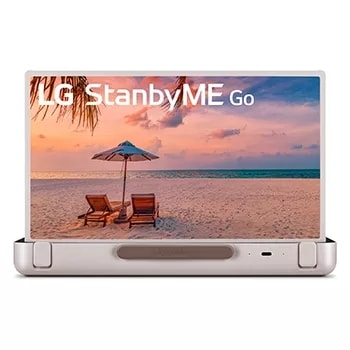
LG 27LX5QKNA — StanbyME Go 27 Inch Briefcase Design Touch Screen
Home Appliances · Top Appliance Deals
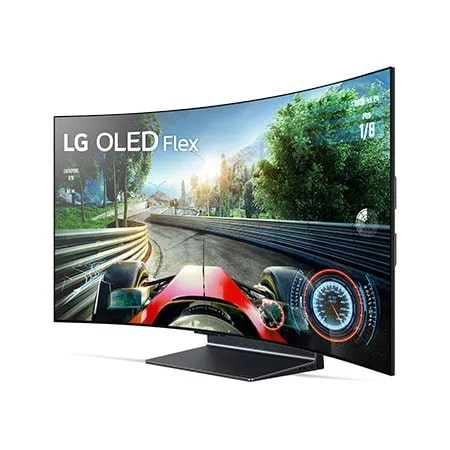
LG 42LX3QPUA — 42 Inch Class OLED Flex Smart TV with Bendable Screen
Home Appliances · Top Appliance Deals
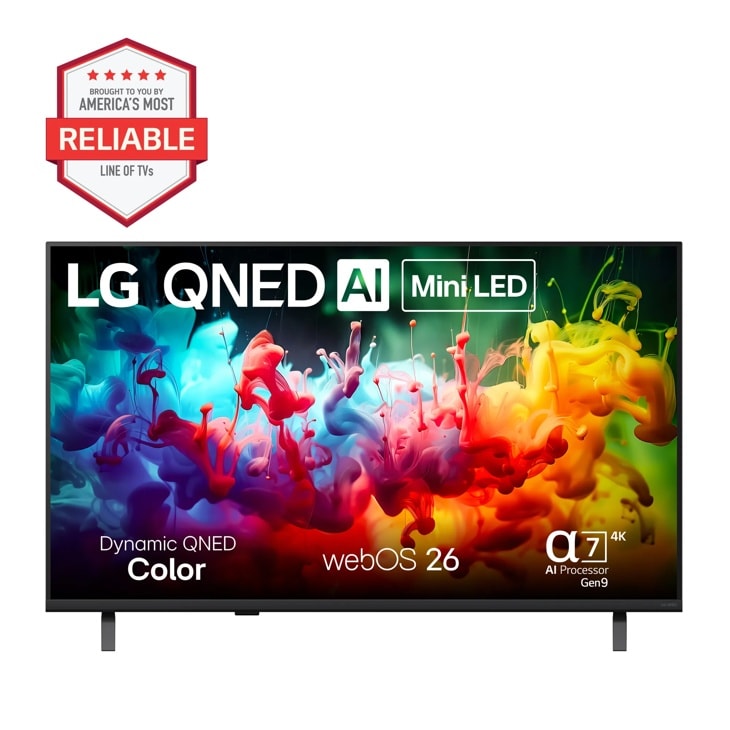
LG 43QNED75BAA — 43 Inch Class LG QNED AI QNED75B Mini LED 4K Smart TV 2026 - .AUS | LG USA
Discover the 43 inch Class LG QNED AI QNED75B Mini LED 4K Smart TV 2026 that features With Dynamic QNED Color see vivid color for a lifelike picture and A thrilling watching experience powered by the α7 AI Processor 4K Gen9. Find reviews, specs, and more for 43QNED75BAA.AUS.