What to Check First
- Auto drying function is activated.
- It is a remote controller malfunction.
- By setting the auto drying function, you can enable automatic drying of internal moisture generated during cooling operation after stopping of operation, thus preventing the growth of fungus or germs and making sure that refreshing cooling can be achieved. Ceiling mounted 4-way (square model) air conditioners produced after January, 2019 support the auto drying function.
- ➔ Once the auto drying function is activated, even if you stop the air conditioner, it is not immediately turned off but the inside will be dried for 5 to 15 minutes until fungus, germs, odors and so on are removed, and then it will be turned off automatically after that.
- This guide was created for all models, so the images or content may be different from your product.
Why This Can Happen
Symptoms can have more than one cause, and the correct steps depend on the exact model, installation and operating conditions. Use the checks above to narrow the issue before service.
Safety and Model-Specific Guidance
Frequently Asked Questions
What should I check first for [LG Air Conditioner Auto Drying] I pressed the stop button on the air conditioner, but it does not stop?
Auto drying function is activated.
When should I stop troubleshooting and contact LG?
Stop if the product shows signs of electrical damage, burning, leaking near electrical components, or if the recommended checks do not resolve the issue. Use LG USA support for model-specific service guidance.
Does this guidance apply to every LG model?
Not always. Controls, error codes and service steps can differ by model. Confirm the exact model number and follow the linked LG USA article for model-specific instructions.
Related LG Products
These model pages are linked because the stored category or exact model matches this Help Library topic.
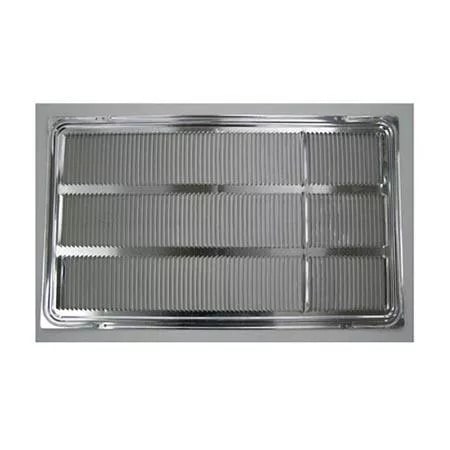
LG AXRGALA01 — Thru-the-Wall Air Conditioner Architectural Grille
Home Appliances · Top Appliance Deals
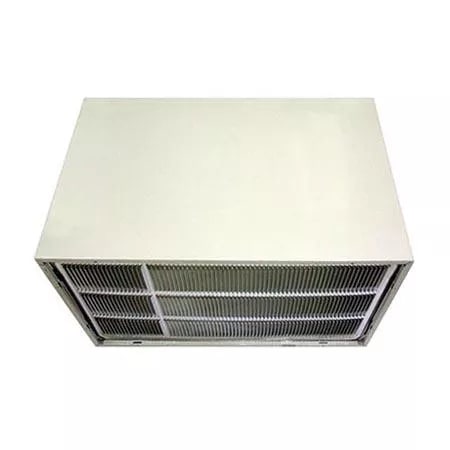
LG AXSVA4 — Thru-the-Wall Air Conditioner Wall Sleeve with Stamped Aluminum Grille
Get information on the LG AXSVA4. Find pictures, reviews, and technical specifications for this LG air conditioner grille.
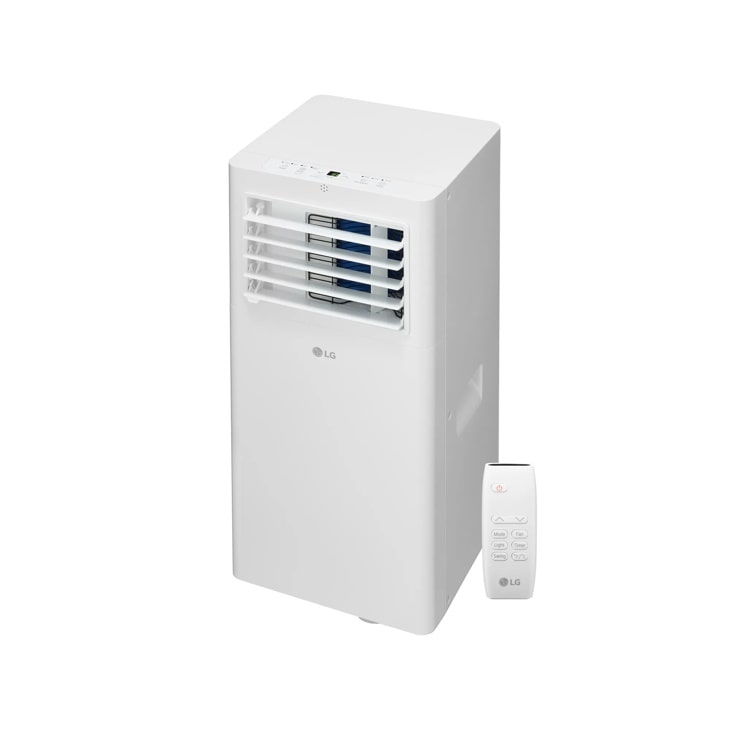
LG LP0525WFR — 5,100 BTU (SACC) / 9,000 BTU (ASHRAE) Portable Air Conditioner | Cools Up To 150 sq. ft.
Home Appliances · Top Appliance Deals
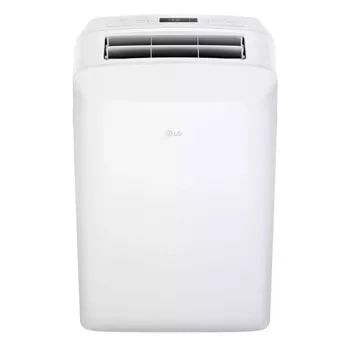
LG LP0623WSR — 6,000 BTU (SACC) / 9,700 (ASHRAE) Portable Air Conditioner | Up To 250 sq. ft.
Discover the 6,000 BTU Portable Air Conditioner that features 6,000 BTU and 3-in-1 Operation. Shop LP0623WSR from LG USA.
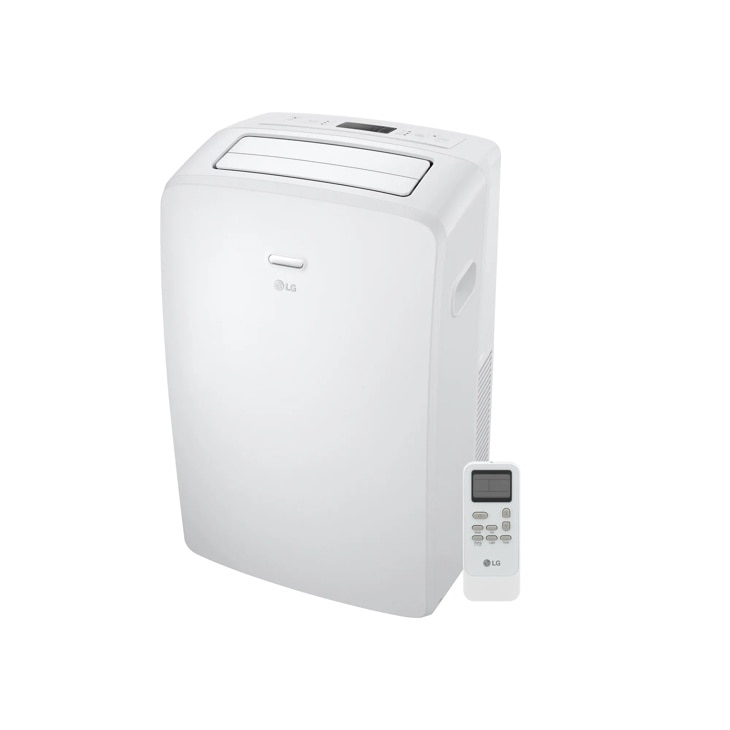
LG LP0723WSR — 7,000 BTU (SACC) / 10,500 BTU (ASHRAE) Portable Air Conditioner | Cools Up To 300 sq. ft.
Discover the 7,000 BTU Portable Air Conditioner that features 7,000 BTU and 3-in-1 Operation. Shop LP0723WSR from LG USA.