What to Check First
- ➔ Check the filters of the respective products.
- Filters with additional functions such as deodorization filter and TVF [total virus filter] may vary of applicability among models. Some filters are not allowed of washing with water, and required of replacement in regular cycle.
- How to remove filters of wall-mounted air-conditioners varies depending on the front panel assembling types.
- ➔ Front position of panel [front position of filter].
- 1. Push the front panel up, and remove the ultra-fine filter.
- 2. Clean the filter with a vacuum cleaner, or a soft brush.
- 3. If it is severely contaminated, wash it in water using neutral detergent.
- 4. Leave the filter at a well ventilated shady place free from direct light to remove moisture, and then reassemble the filter.
- ➔ Top position of panel [top position of filter]: Filter on the top air intake vent.
- 1. Push the top panel up, and remove the ultra-fine filter.
Why This Can Happen
Symptoms can have more than one cause, and the correct steps depend on the exact model, installation and operating conditions. Use the checks above to narrow the issue before service.
Safety and Model-Specific Guidance
Frequently Asked Questions
What should I check first for [LG Air-Conditioner Filter] How to clean air-conditioner filter?
➔ Check the filters of the respective products.
When should I stop troubleshooting and contact LG?
Stop if the product shows signs of electrical damage, burning, leaking near electrical components, or if the recommended checks do not resolve the issue. Use LG USA support for model-specific service guidance.
Does this guidance apply to every LG model?
Not always. Controls, error codes and service steps can differ by model. Confirm the exact model number and follow the linked LG USA article for model-specific instructions.
Related LG Products
These model pages are linked because the stored category or exact model matches this Help Library topic.
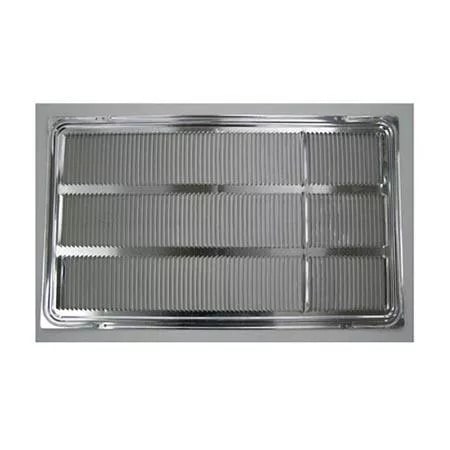
LG AXRGALA01 — Thru-the-Wall Air Conditioner Architectural Grille
Home Appliances · Top Appliance Deals
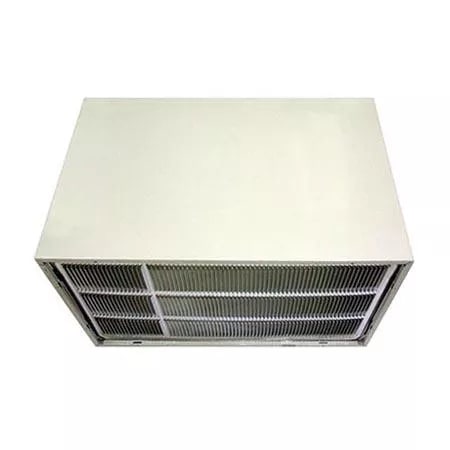
LG AXSVA4 — Thru-the-Wall Air Conditioner Wall Sleeve with Stamped Aluminum Grille
Get information on the LG AXSVA4. Find pictures, reviews, and technical specifications for this LG air conditioner grille.
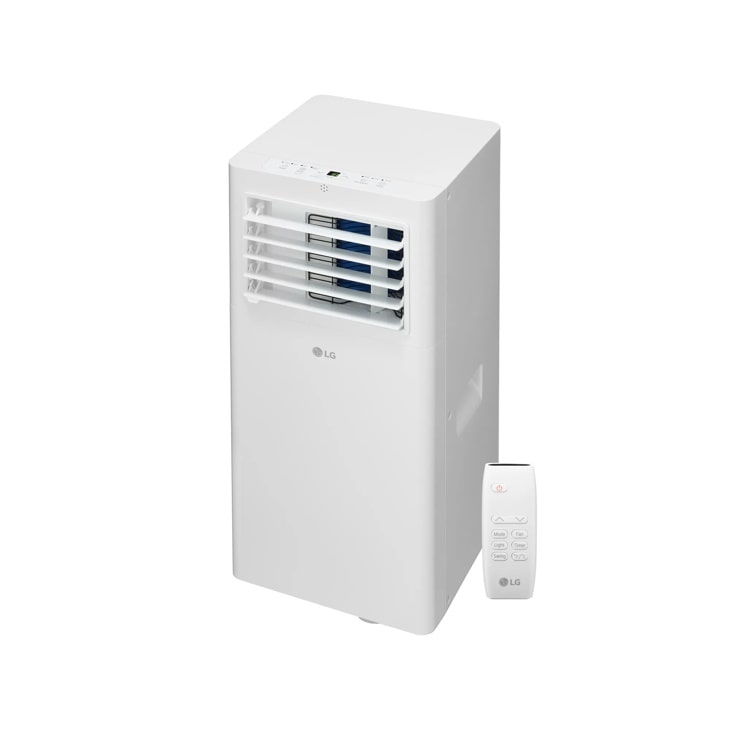
LG LP0525WFR — 5,100 BTU (SACC) / 9,000 BTU (ASHRAE) Portable Air Conditioner | Cools Up To 150 sq. ft.
Home Appliances · Top Appliance Deals
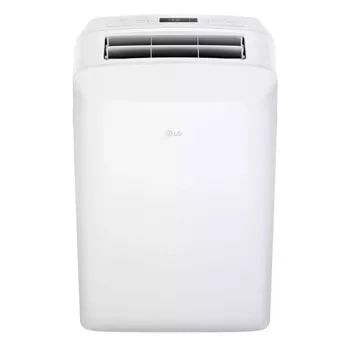
LG LP0623WSR — 6,000 BTU (SACC) / 9,700 (ASHRAE) Portable Air Conditioner | Up To 250 sq. ft.
Discover the 6,000 BTU Portable Air Conditioner that features 6,000 BTU and 3-in-1 Operation. Shop LP0623WSR from LG USA.
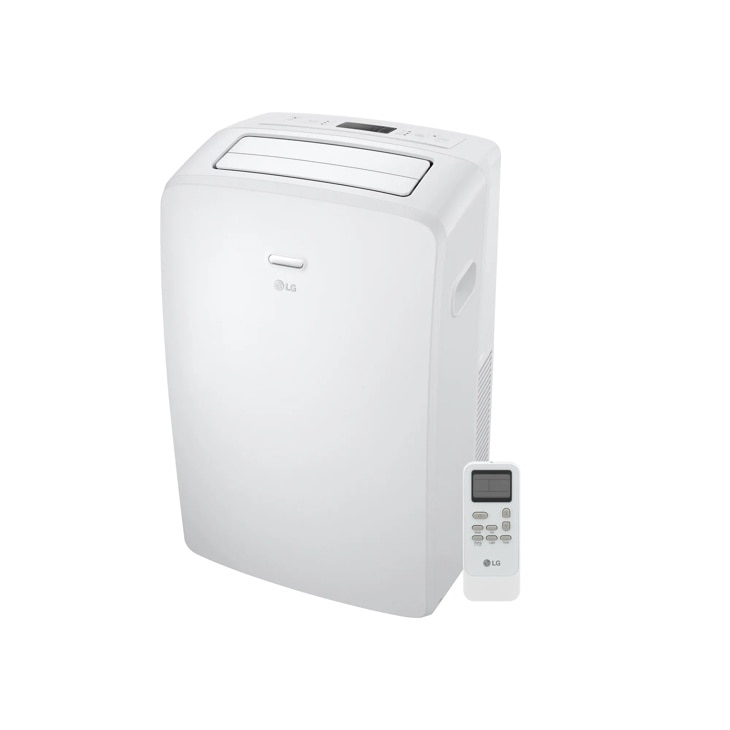
LG LP0723WSR — 7,000 BTU (SACC) / 10,500 BTU (ASHRAE) Portable Air Conditioner | Cools Up To 300 sq. ft.
Discover the 7,000 BTU Portable Air Conditioner that features 7,000 BTU and 3-in-1 Operation. Shop LP0723WSR from LG USA.