What to Check First
- - Check the outlet connection. ➔ If you unplugged the unit after last summer, plug it back in before running a self-check.
- - If you’re using a power strip, check this first. ➔ Do not use a power strip or extension cord. Plug the power cord directly into a wall outlet. ➔ If using a power strip is unavoidable, use a power strip rated for air conditioners. ※ Note: Ensure the power strip's maximum capacity meets the product specifications listed in the owner's manual.
- - Check that the plug fits snugly in the wall outlet. ➔ If the outlet is loose or does not hold the plug firmly, have the outlet replaced by a qualified electrician.
- - Check the wall outlet for burn marks. ➔ Check for burn marks on the outlet slots or on the power plug. If you see any scorch marks, have the outlet or power plug replaced by a qualified electrician.
- - Check the dedicated air conditioner circuit breaker. ➔ If your model uses a dedicated circuit breaker, switch it to ON. ※ Note: 2021 and newer models require separate power connections for the outdoor unit, floor-standing indoor unit, and wall-mounted indoor unit. Refer to the user manual for more details.
- 1. On an Android phone, open the Camera app and point the camera lens at the top of the remote control.
- 2. Look at your phone screen and press the [Start/Stop] button on the remote repeatedly. If you see a red light blinking on your phone screen, the transmitter is working normally.
- 3. If you see the light but the unit still doesn’t respond, the receiver on the floor-standing or wall-mounted unit may need to be checked. If the issue persists, contact LG customer support for service.
- Unplug the power cord for safety before cleaning.
- Pull the filter handle on the back of the unit sideways to remove the filter.
Why This Can Happen
Symptoms can have more than one cause, and the correct steps depend on the exact model, installation and operating conditions. Use the checks above to narrow the issue before service.
Safety and Model-Specific Guidance
Frequently Asked Questions
What should I check first for [LG Air Conditioner] Perform a Pre-Summer Check to Stay Cool?
- Check the outlet connection. ➔ If you unplugged the unit after last summer, plug it back in before running a self-check.
When should I stop troubleshooting and contact LG?
Stop if the product shows signs of electrical damage, burning, leaking near electrical components, or if the recommended checks do not resolve the issue. Use LG USA support for model-specific service guidance.
Does this guidance apply to every LG model?
Not always. Controls, error codes and service steps can differ by model. Confirm the exact model number and follow the linked LG USA article for model-specific instructions.
Related LG Products
These model pages are linked because the stored category or exact model matches this Help Library topic.
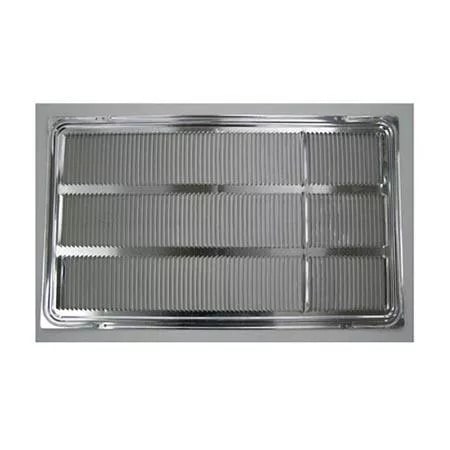
LG AXRGALA01 — Thru-the-Wall Air Conditioner Architectural Grille
Home Appliances · Top Appliance Deals
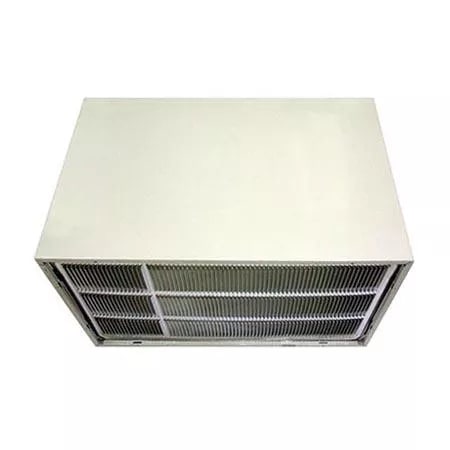
LG AXSVA4 — Thru-the-Wall Air Conditioner Wall Sleeve with Stamped Aluminum Grille
Get information on the LG AXSVA4. Find pictures, reviews, and technical specifications for this LG air conditioner grille.
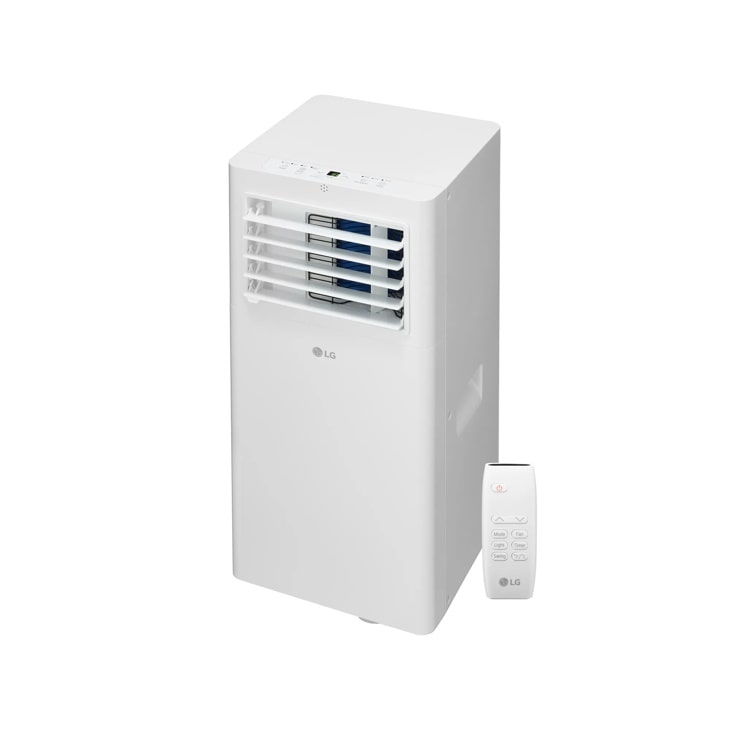
LG LP0525WFR — 5,100 BTU (SACC) / 9,000 BTU (ASHRAE) Portable Air Conditioner | Cools Up To 150 sq. ft.
Home Appliances · Top Appliance Deals
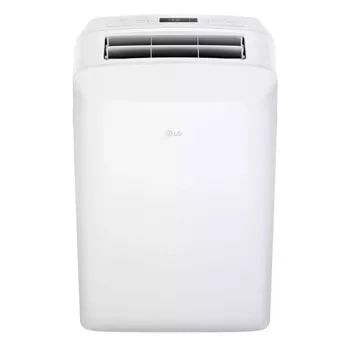
LG LP0623WSR — 6,000 BTU (SACC) / 9,700 (ASHRAE) Portable Air Conditioner | Up To 250 sq. ft.
Discover the 6,000 BTU Portable Air Conditioner that features 6,000 BTU and 3-in-1 Operation. Shop LP0623WSR from LG USA.
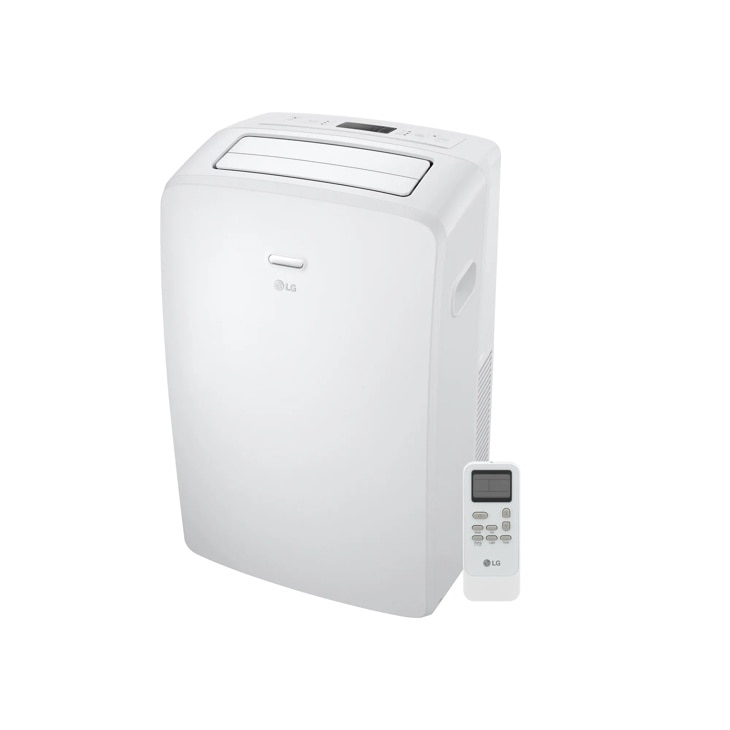
LG LP0723WSR — 7,000 BTU (SACC) / 10,500 BTU (ASHRAE) Portable Air Conditioner | Cools Up To 300 sq. ft.
Discover the 7,000 BTU Portable Air Conditioner that features 7,000 BTU and 3-in-1 Operation. Shop LP0723WSR from LG USA.