What to Check First
- 1. Place the unit in the window opening. Make sure it extends 110mm to 118mm toward the indoor side, as shown in the diagram.
- 2. Secure the unit firmly so it does not fall outside. Tilt the rear downward by about 10–15mm to allow condensate to drain properly to the rear. Note! When using a level, tilt the unit downward toward the rear until the bubble reaches the ¼ mark. If the unit is not tilted correctly, condensate can leak indoors and cause electric shock, fire, or property damage.
- 3. Once the unit is secured, seal the gaps around it with the supplied insulation.
- When you use the cooling mode, you may notice some condensation. This happens when the cool air from your AC meets the warm air in the room. It’s similar to how water droplets form on a cold bottle taken out of the refrigerator. When the indoor humidity is high, moisture in the air condenses more quickly, so you’ll see more condensation.
- If you haven’t cleaned it for over a month, turn off the air conditioner and clean the filter. Filter location and removal steps may differ by model, so check your user manual. After removing the filter, use a vacuum cleaner or gently clean it with a soft brush.
- ➔ Use a dry towel to wipe off any moisture on the air conditioner’s surface.
- As the room temperature gets closer to your set temperature, the water droplets will disappear. Leaving doors open during the rainy season can raise indoor humidity. When you use cooling mode in these conditions, moisture in the air can quickly turn into droplets, which may look like water forming on the vent or even mist coming out. Once the humidity drops, the condensation will go away.
- Once the room reaches the set temperature, condensation will stop. This is normal and occurs when warm indoor air meets cool air from the air conditioner. The greater the temperature difference, the more condensation may form around the air vents. Once the room reaches your desired temperature, the condensation will disappear.
- On hot and humid days, avoid setting the air outlet to a narrow angle with low fan speed for long periods. This can create greater temperature and humidity differences, which may lead to condensation and water leakage. To reduce condensation, set the air vents to a wider angle and increase the fan speed.
- If the hose is disconnected or torn, reconnect it securely and wrap the connection point with electrical tape. If you are unable to perform this repair yourself, please contact LG Support for assistance.
Why This Can Happen
Symptoms can have more than one cause, and the correct steps depend on the exact model, installation and operating conditions. Use the checks above to narrow the issue before service.
Safety and Model-Specific Guidance
Frequently Asked Questions
What should I check first for [LG Air Conditioner] Why is water dripping or condensation forming on the air conditioner??
1. Place the unit in the window opening. Make sure it extends 110mm to 118mm toward the indoor side, as shown in the diagram.
When should I stop troubleshooting and contact LG?
Stop if the product shows signs of electrical damage, burning, leaking near electrical components, or if the recommended checks do not resolve the issue. Use LG USA support for model-specific service guidance.
Does this guidance apply to every LG model?
Not always. Controls, error codes and service steps can differ by model. Confirm the exact model number and follow the linked LG USA article for model-specific instructions.
Related LG Products
These model pages are linked because the stored category or exact model matches this Help Library topic.
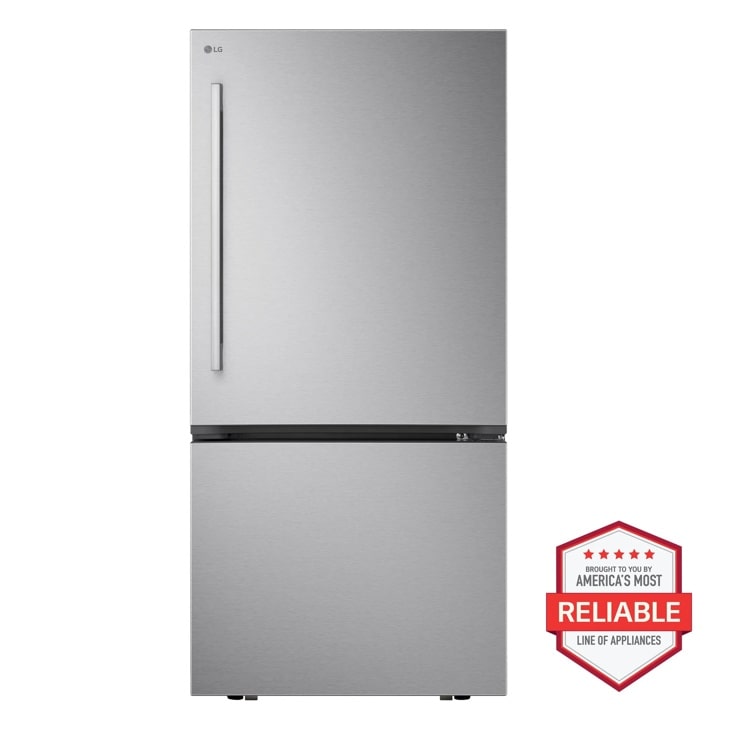
LG LB26H2200S — 29 cu. ft. Smart Standard-Depth MAX™ 4-Door French Door Refrigerator with Slide-in Gas Range and FlushFit™ Top Control Dishwasher Kitchen Package in Stainless Steel
Home Appliances · Top Appliance Deals
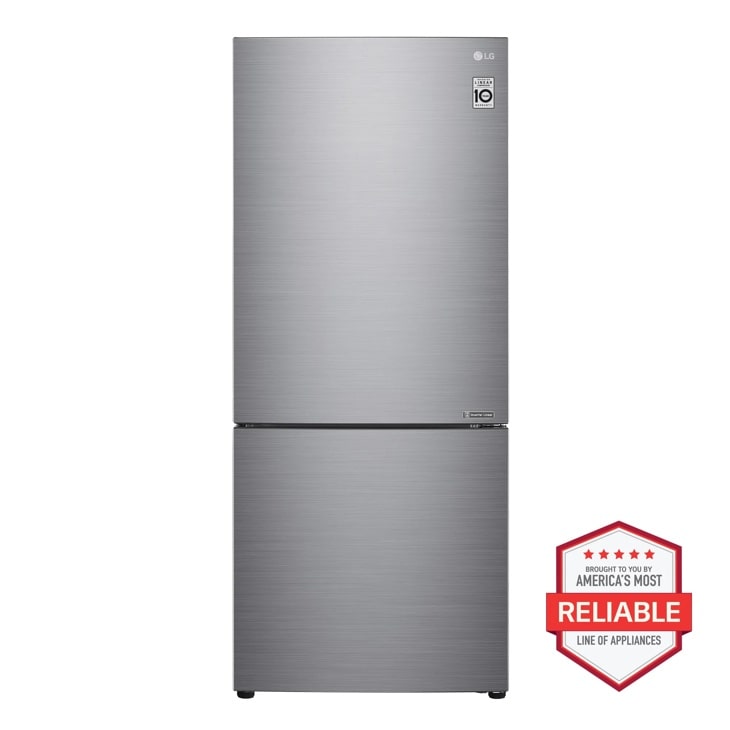
LG LBNC15231V — 15 cu. ft. 28 Inch Wide Bottom Freezer Refrigerator - Stainless Steel
Discover the LG 28-inch wide Bottom Freezer Refrigerator that features a reversible door and Door Cooling+ for food freshness. Click to view the LBNC15231V.
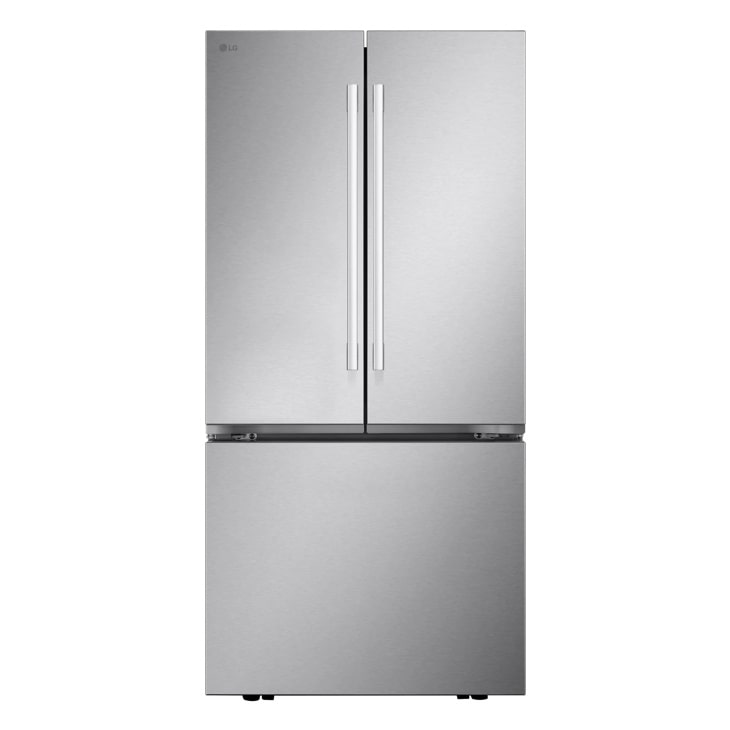
LG LF21G6201S — Essential 4-piece Kitchen Package with 29 cu. ft. 4 Door French Door Refrigerator, Freestanding Induction Range, Front Control Dishwasher and Microwave in Stainless Steel
Home Appliances · Top Appliance Deals
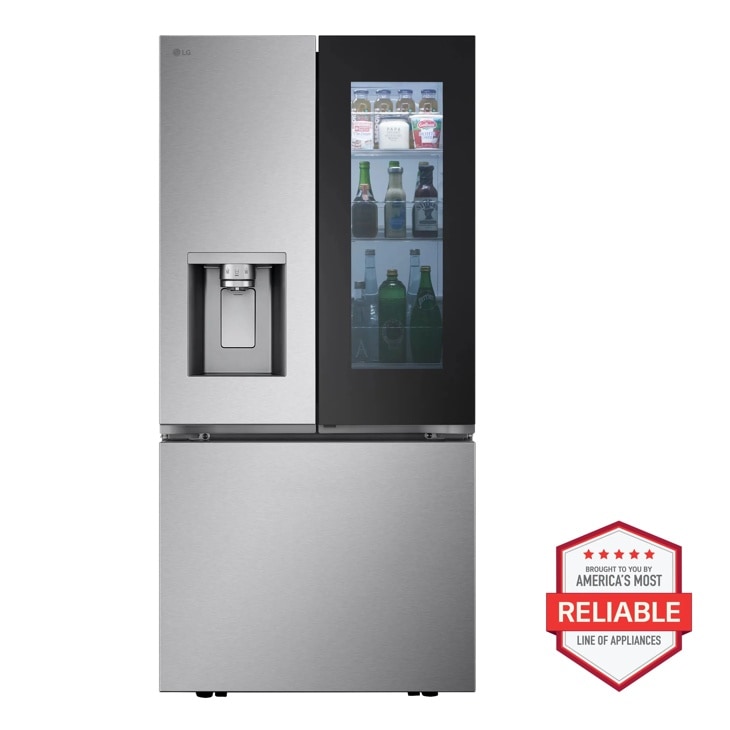
LG LF25S6560S — 29 cu. ft. Smart Standard-Depth MAX™ 4-Door French Door Refrigerator with Full-Convert Drawer™
Home Appliances · Top Appliance Deals
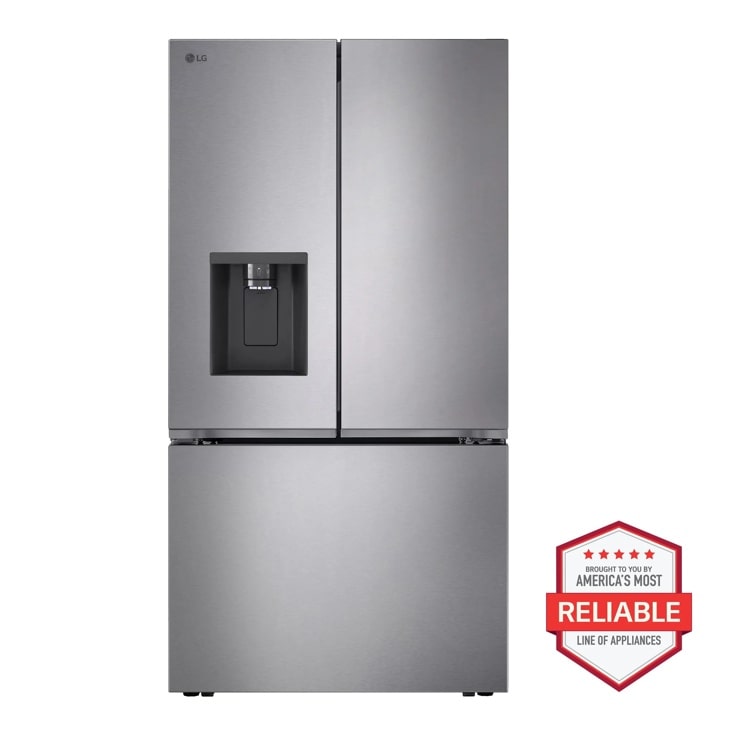
LG LF26C6230V — 26 cu. ft. Counter Depth MAX 3-Door French Door Refrigerator with Ice and Water Dispenser
Home Appliances · Top Appliance Deals