What to Check First
- It detects the weight, material, and humidity of the laundry to automatically set the appropriate temperature and drying time.
- It automatically adjusts the drying time based on the detected laundry characteristics.
- The AI Dry cycle automatically dries your clothes under optimal conditions based on their fabric characteristics.
- ➔ The AI Dry cycle operates in the following order: Detecting load weight → Monitoring fabric condition during drying → Analyzing fabric type → Automatically adjusting drying time → End of cycle.
- The condition of the laundry during drying is detected by infrared and humidity sensors. Based on the detected values, the weight, material, and drying status of the laundry are determined. The cycle then adjusts the drying time to match the laundry for optimal drying.
- Note: The infrared sensor is located at the top of the drum, and the humidity sensor is located behind the lint filter housing.
- ➔ If the load exceeds 5 kg or consists of a single fabric type, drying may take longer compared to the Normal or dedicated cycles, or the clothes may not dry completely.
- We recommend using the dedicated cycle for specific fabric types.
- Swipe left or right to check the contents.
- ※ For more details, please refer to the user manual.
Why This Can Happen
Symptoms can have more than one cause, and the correct steps depend on the exact model, installation and operating conditions. Use the checks above to narrow the issue before service.
Safety and Model-Specific Guidance
Frequently Asked Questions
What should I check first for [LG Dryer] What is the AI Dry Cycle??
It detects the weight, material, and humidity of the laundry to automatically set the appropriate temperature and drying time.
When should I stop troubleshooting and contact LG?
Stop if the product shows signs of electrical damage, burning, leaking near electrical components, or if the recommended checks do not resolve the issue. Use LG USA support for model-specific service guidance.
Does this guidance apply to every LG model?
Not always. Controls, error codes and service steps can differ by model. Confirm the exact model number and follow the linked LG USA article for model-specific instructions.
Related LG Products
These model pages are linked because the stored category or exact model matches this Help Library topic.
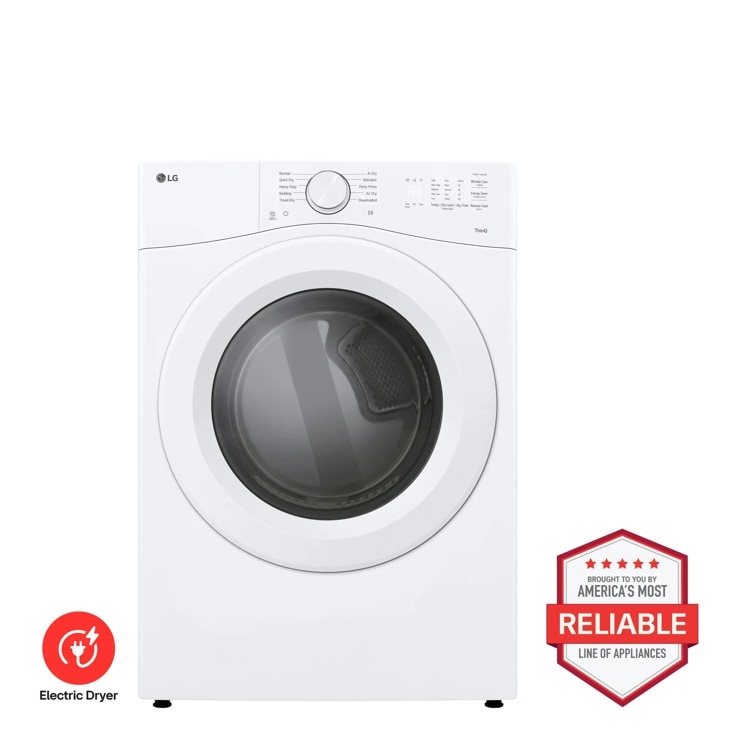
LG DLE3420W — 7.4 cu. ft. Ultra Large Capacity Smart Front Load Electric Dryer
Home Appliances · Top Appliance Deals
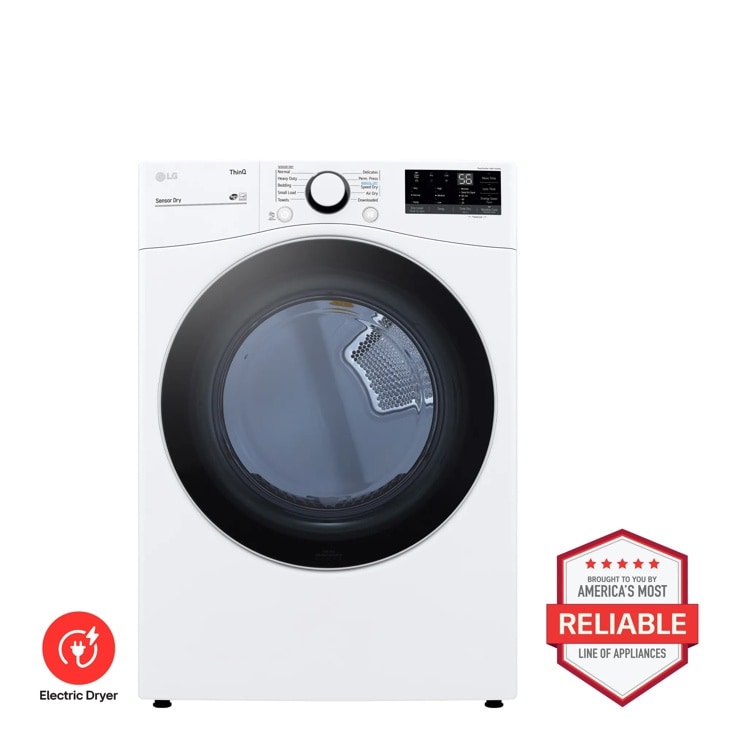
LG DLE3600W — 7.4 cu. ft. Ultra Large Capacity Smart Wi-Fi Enabled Front Load Electric Dryer with Built-In Intelligence
Discover the 7.4 cu. ft. Front Load Electric Dryer that features Built-In Intelligence and ThinQ® Technology. Shop DLE3600W from LG USA.
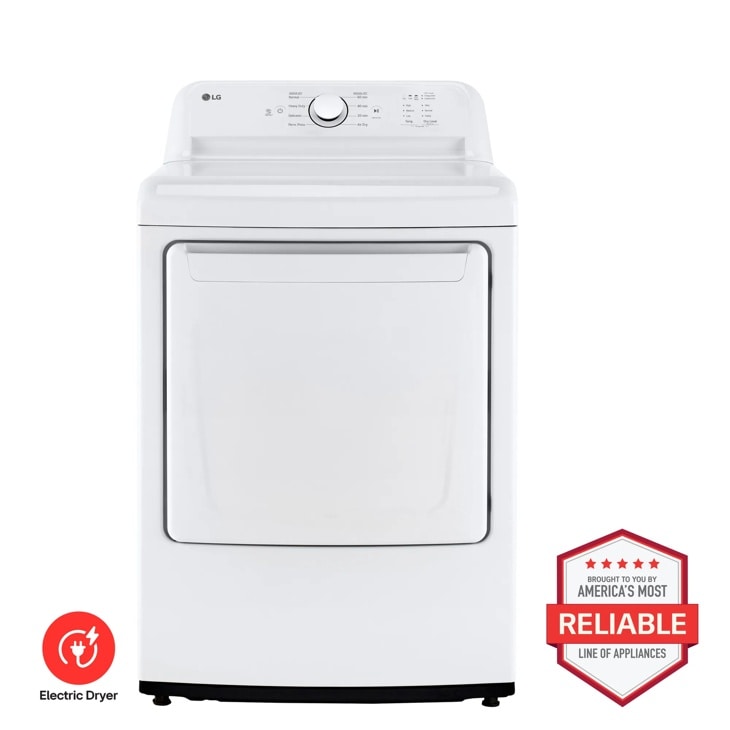
LG DLE6100W — 7.3 cu. ft. Ultra Large Capacity Rear Control Electric ENERGY STAR Dryer with Sensor Dry
Discover the 7.3 cu. ft. Rear Control Electric Dryer that features Sensor Dryand FlowSense® Duct Clogging. Shop DLE6100W from LG USA.
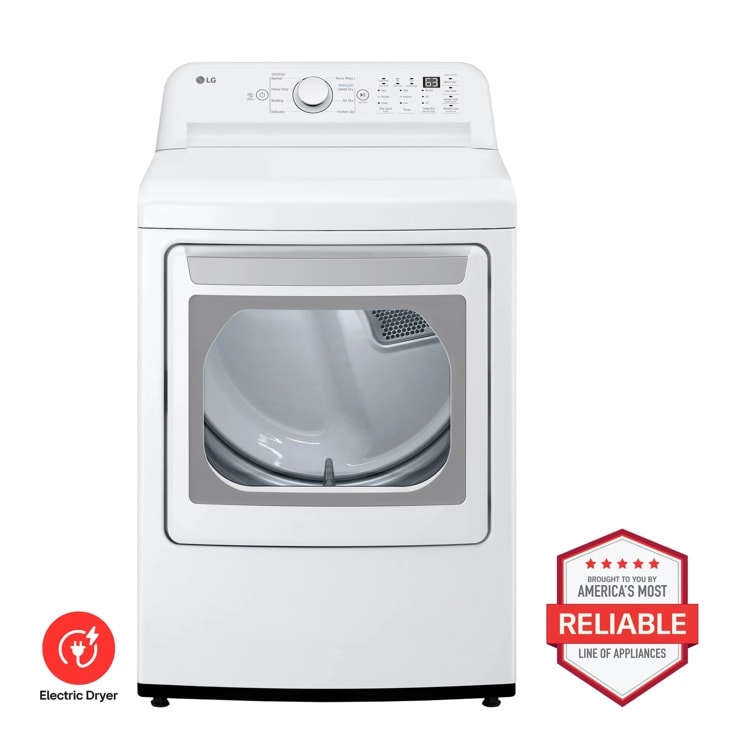
LG DLE7010W — 7.3 cu. ft. Ultra Large Capacity Electric Dryer with Sensor Dry Technology
Home Appliances · Top Appliance Deals
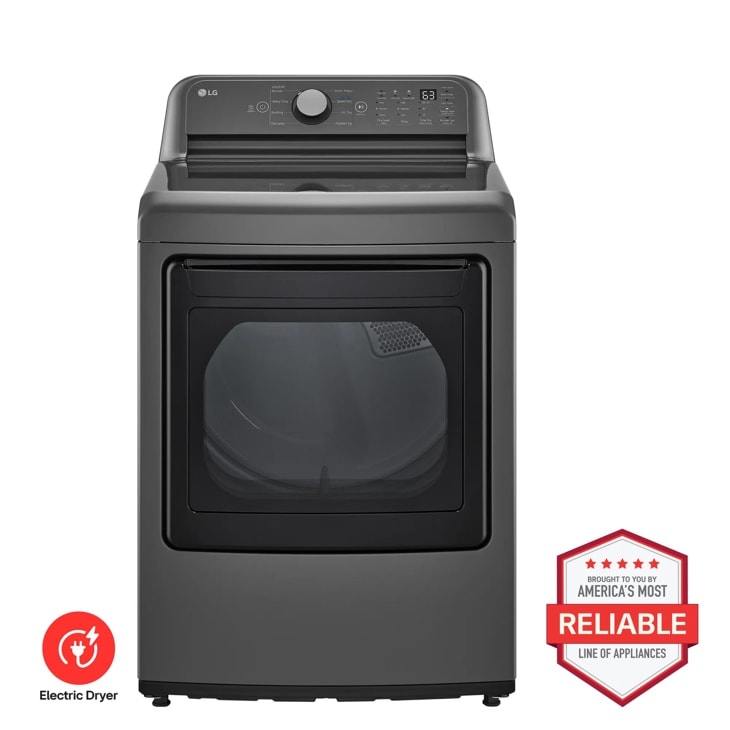
LG DLE7150M — 7.3 cu. ft. Ultra Large Capacity Rear Control Electric ENERGY STAR Dryer with Sensor Dry
Discover the 7.3 cu. ft. Ultra Large Capacity Electric Dryer that features Sensor Dry and FlowSense® Duct Clogging. Shop DLE7150M from LG USA.