What to Check First
Open the official LG USA article for the latest model-specific checks.
Why This Can Happen
Symptoms can have more than one cause, and the correct steps depend on the exact model, installation and operating conditions. Use the checks above to narrow the issue before service.
Safety and Model-Specific Guidance
Frequently Asked Questions
What should I check first for LG Dryers: Understanding Sensor Dry?
Sensor dry helps detect moisture in your clothes during the dry cycle.. This feature aids in the reduction of energy consumption and prevents possible damage to your clothes.. If items are still damp after performing the sensor dry cycle, there are a few items you can check to resolve this.
When should I stop troubleshooting and contact LG?
Stop if the product shows signs of electrical damage, burning, leaking near electrical components, or if the recommended checks do not resolve the issue. Use LG USA support for model-specific service guidance.
Does this guidance apply to every LG model?
Not always. Controls, error codes and service steps can differ by model. Confirm the exact model number and follow the linked LG USA article for model-specific instructions.
Related LG Products
These model pages are linked because the stored category or exact model matches this Help Library topic.
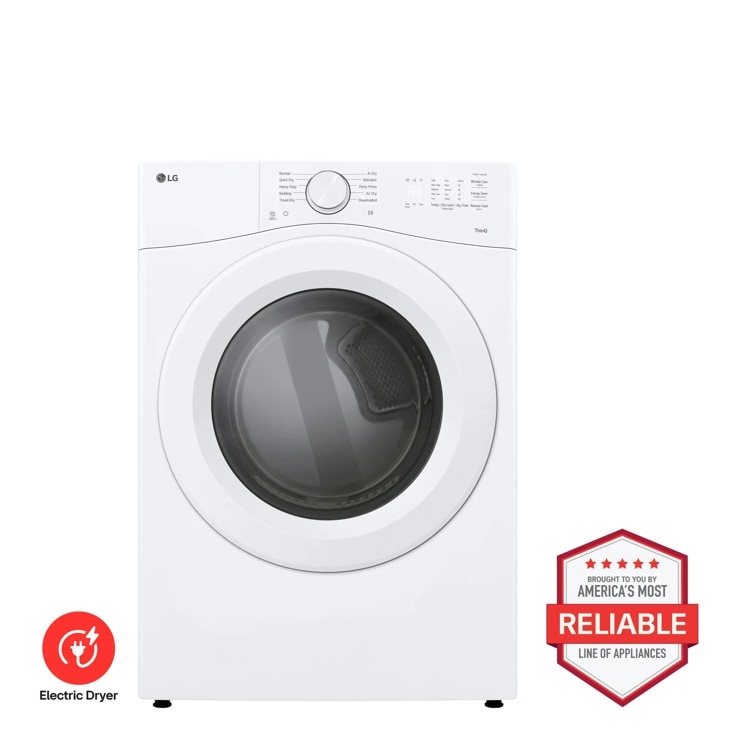
LG DLE3420W — 7.4 cu. ft. Ultra Large Capacity Smart Front Load Electric Dryer
Home Appliances · Top Appliance Deals
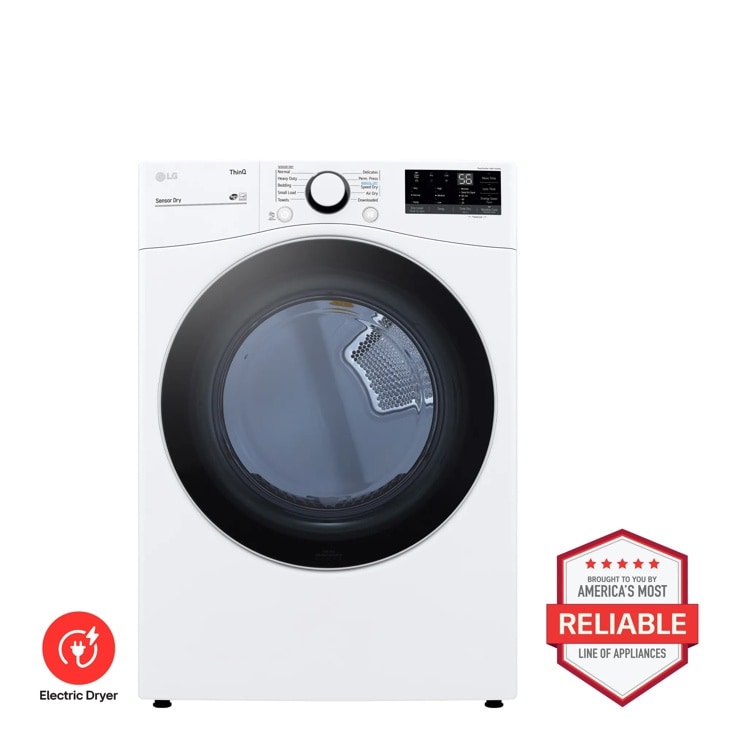
LG DLE3600W — 7.4 cu. ft. Ultra Large Capacity Smart Wi-Fi Enabled Front Load Electric Dryer with Built-In Intelligence
Discover the 7.4 cu. ft. Front Load Electric Dryer that features Built-In Intelligence and ThinQ® Technology. Shop DLE3600W from LG USA.
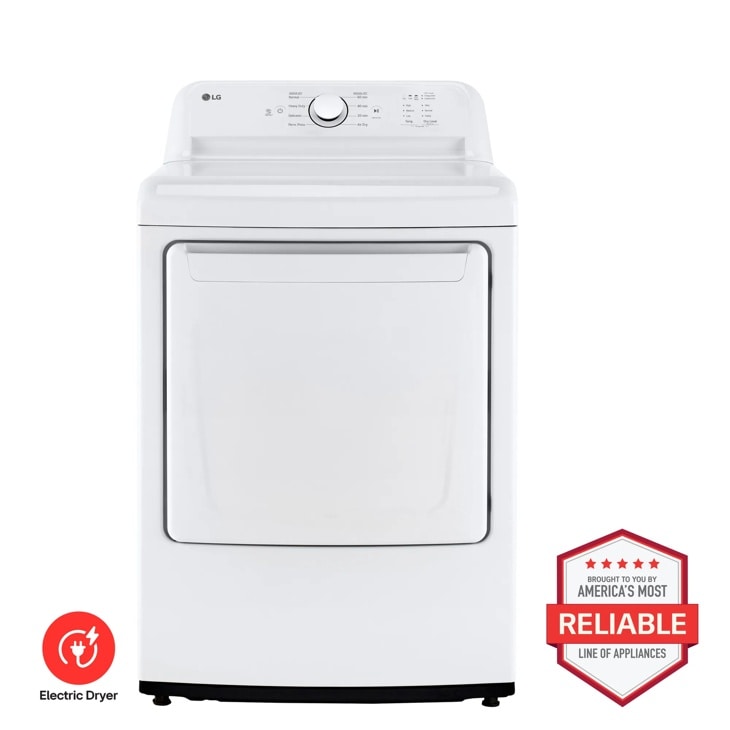
LG DLE6100W — 7.3 cu. ft. Ultra Large Capacity Rear Control Electric ENERGY STAR Dryer with Sensor Dry
Discover the 7.3 cu. ft. Rear Control Electric Dryer that features Sensor Dryand FlowSense® Duct Clogging. Shop DLE6100W from LG USA.
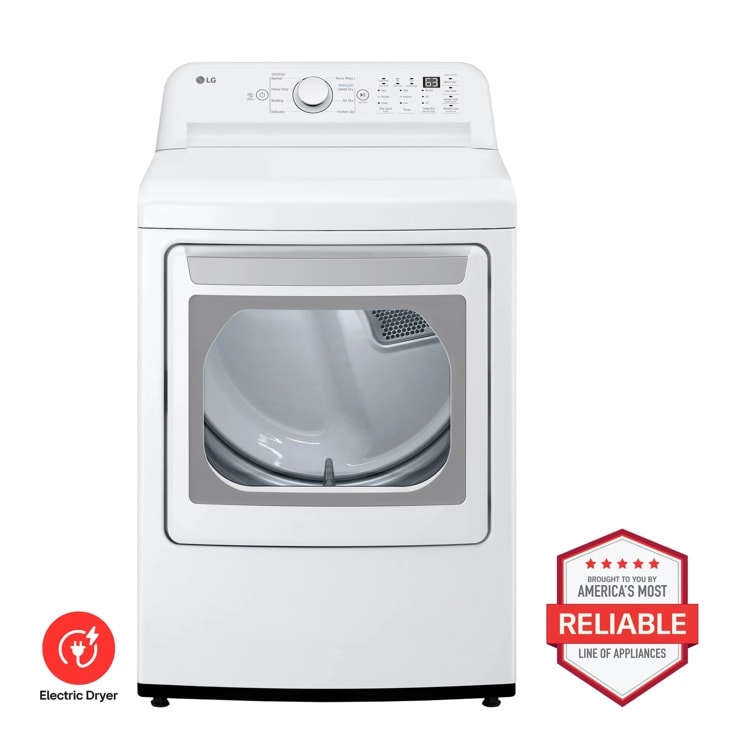
LG DLE7010W — 7.3 cu. ft. Ultra Large Capacity Electric Dryer with Sensor Dry Technology
Home Appliances · Top Appliance Deals
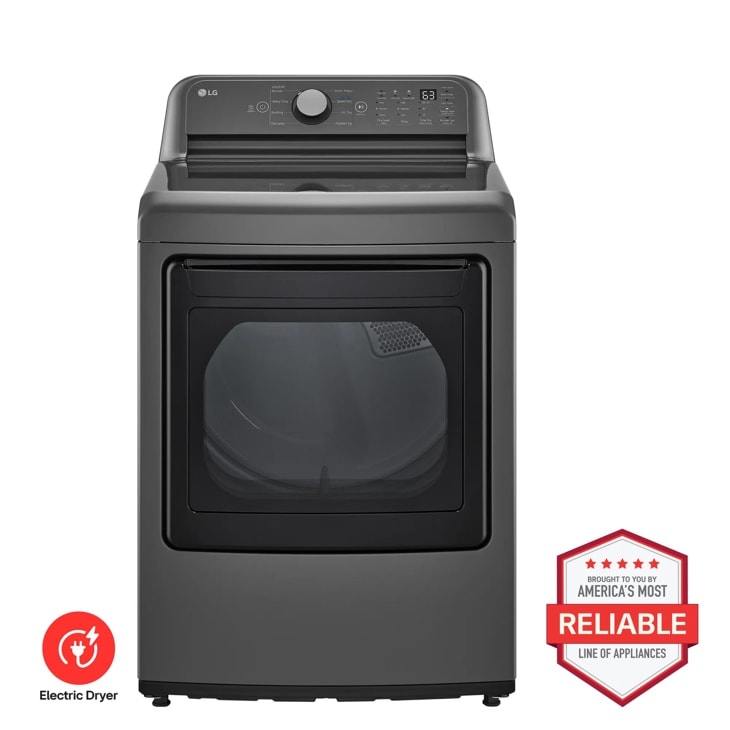
LG DLE7150M — 7.3 cu. ft. Ultra Large Capacity Rear Control Electric ENERGY STAR Dryer with Sensor Dry
Discover the 7.3 cu. ft. Ultra Large Capacity Electric Dryer that features Sensor Dry and FlowSense® Duct Clogging. Shop DLE7150M from LG USA.