What to Check First
- For items that water cannot easily reach, such as deep pots or large frying pans, always pre-rinse and load them as flat as possible.
- Liquid detergent is not recommended, as it may reduce cleaning performance.
- Poor washing performance in your LG DIOS dishwasher is usually caused by large food scraps, incorrect loading, ineffective detergent, or a dirty filter. To resolve this, rinse your dishes before loading, make sure they do not overlap, use a recommended dishwasher detergent, and clean the filter and spray arms regularly.
- Scrape off large food scraps. For burnt pots or stubborn residue like baked-on eggs, soak them for 1 hour, then pre-rinse before loading.
- Stand plates upright, and load bowl-shaped items (cups, pots, etc.) upside down. Make sure dishes do not overlap.
- After loading, adjust the rack height or reposition the dishes so they do not block the spray arms.
- Use a high-performance dishwasher detergent, and select a wash cycle and options that match how dirty your dishes are.
- Remove the filter and rinse it under running water. Fill the detergent dispenser with citric acid (40 g), press and hold the Intensive button for 3 seconds, and run the Tub Clean cycle (54 minutes).
- This guide is based on standard models. The settings menu may vary by model.
Why This Can Happen
Symptoms can have more than one cause, and the correct steps depend on the exact model, installation and operating conditions. Use the checks above to narrow the issue before service.
Safety and Model-Specific Guidance
Frequently Asked Questions
What should I check first for Why Your LG Dishwasher Isn't Cleaning Dishes Well and How to Fix It?
For items that water cannot easily reach, such as deep pots or large frying pans, always pre-rinse and load them as flat as possible.
When should I stop troubleshooting and contact LG?
Stop if the product shows signs of electrical damage, burning, leaking near electrical components, or if the recommended checks do not resolve the issue. Use LG USA support for model-specific service guidance.
Does this guidance apply to every LG model?
Not always. Controls, error codes and service steps can differ by model. Confirm the exact model number and follow the linked LG USA article for model-specific instructions.
Related LG Products
These model pages are linked because the stored category or exact model matches this Help Library topic.
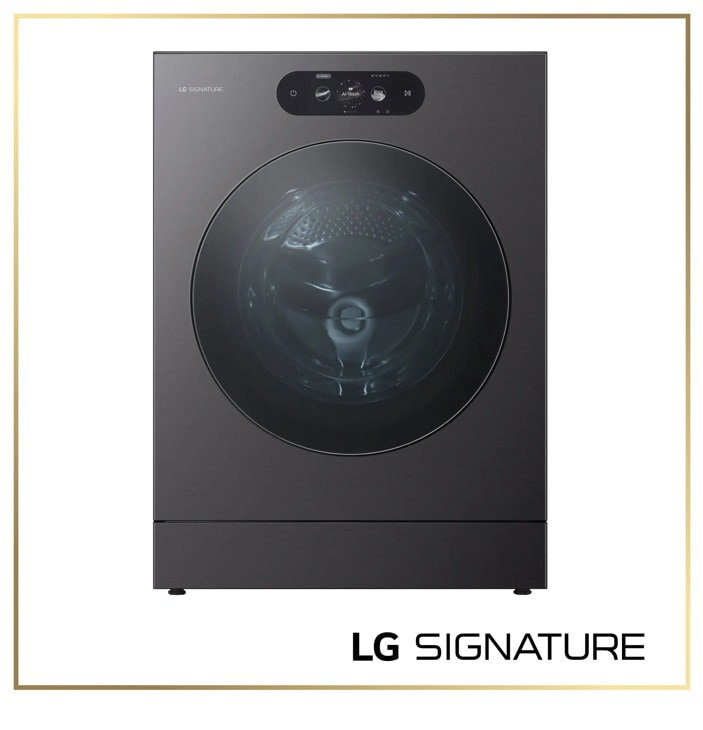
LG SIGNATURE-WM9901HBA — Washers Model
Discover the LG SIGNATURE Front Load Washer that features 5.8 cu. ft. Mega Capacity and Built-In Intelligence. Shop WM9901HBA from LG USA.
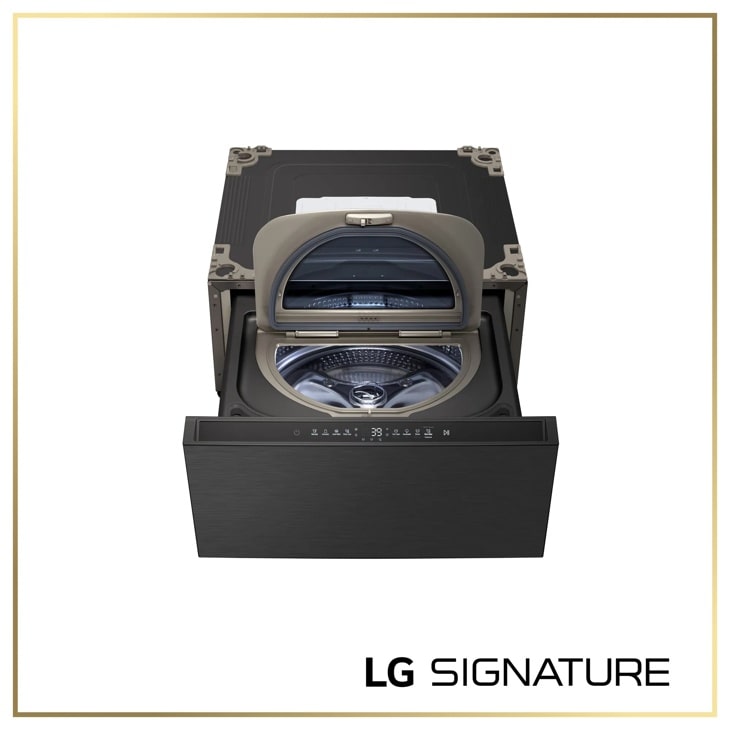
LG WD405CB — SIGNATURE 1.0 cu. ft. 29 Inch SideKick™ Pedestal Washer, LG TWINWash™ Compatible
Model-specific features, specifications and buying guidance.
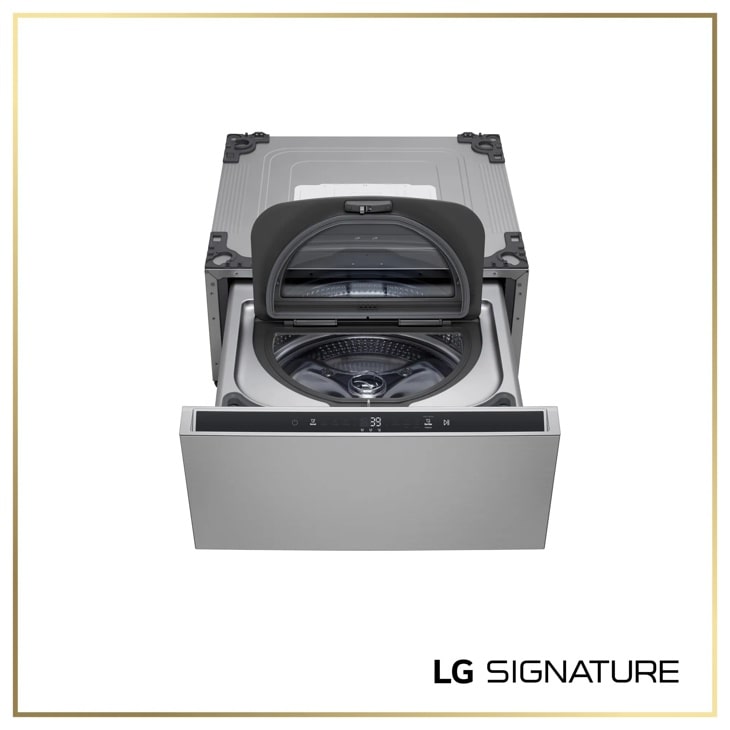
LG WD405CP — SIGNATURE 1.0 cu. ft. 29 Inch SideKick™ Pedestal Washer, LG TWINWash™ Compatible
Discover the LG SIGNATURE SideKick™ Pedestal Washer that features 1.0 cu.ft. Capacity and Detergent and Softener Dispensers. Shop WD405CP from LG USA.
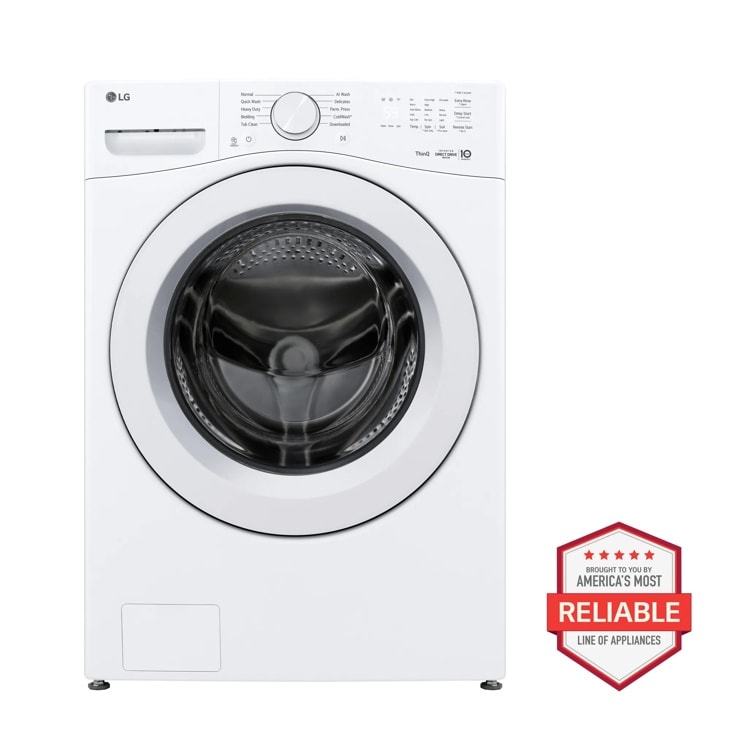
LG WM3420CW — 4.5 cu. ft. Ultra Large Capacity Smart Front Load Washer
Home Appliances · Top Appliance Deals
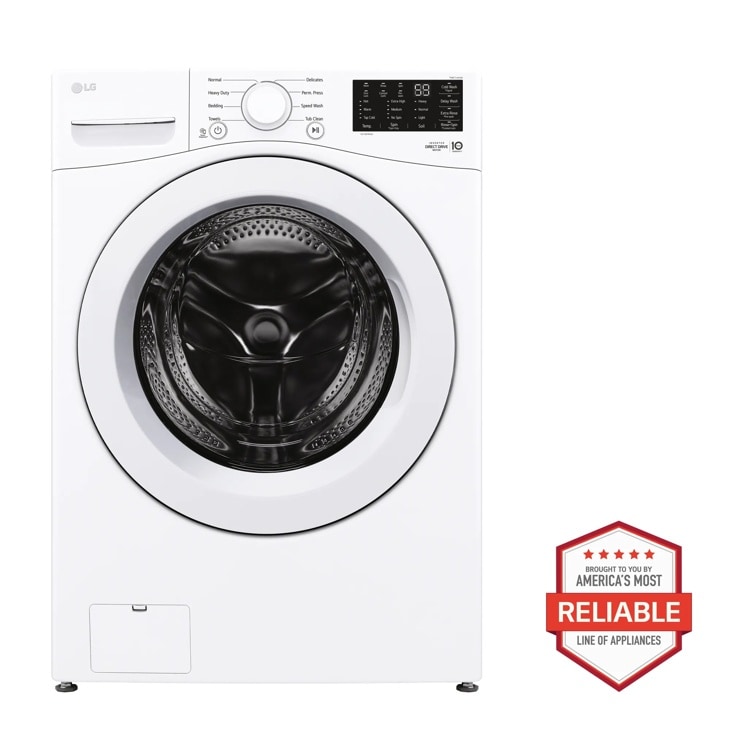
LG WM3470CW — 5.0 cu. ft. Mega Capacity Front Load Washer
Discover the 5.0 cu. ft. Mega Capacity Front Load Washer that features 6Motion™ Technology and ColdWash™ Technology. Shop WM3470CW from LG USA.