What to Check First
- Before cleaning the air gap or internal parts, make sure the dishwasher is turned off to prevent electric shock or malfunction.
- When removing the filter, handle it carefully to avoid injury from sharp edges on parts like the stainless steel filter.
- Poor drainage or an OE error code on your LG dishwasher is usually caused by clogged food debris inside the dishwasher, or an installation issue such as a kinked drain hose. Before scheduling service, you can often resolve the issue yourself with a few simple steps: cleaning the filter, straightening the drain hose, and checking the air gap and garbage disposal.
- Food debris or foreign objects in the dishwasher tub or filter, or a clogged sink air gap, can prevent the dishwasher from draining properly.
- If heavy objects press against the drain hose under the sink, which is usually white or gray, they can crush or kink the hose and prevent the dishwasher from draining properly.
- This issue can occur if the drain hose does not meet the installation requirements. The hose must be no more than 3.6 m (12 ft.) long, and its end must be 30–100 cm (12–40 inches) above the floor. It can also occur if the knockout plug was not removed from the garbage disposal connection.
- Pull out the lower rack and remove any large debris from the bottom. Turn the mesh filter counterclockwise to remove it, then clean it thoroughly under running water with a soft brush. Reinsert it and turn it clockwise until it clicks into place.
- Open the cabinet under the sink and check that the drain hose is not crushed or kinked by heavy objects. Straighten any bends so water can flow freely.
- Turn off the dishwasher, remove the air gap cover on the sink, and clean out any debris with a toothpick or brush. For a newly installed dishwasher, make sure that the knockout plug was removed from the garbage disposal connection.
- If the dishwasher still drains slowly or has an odor, clean the filter and spray arms. Then, place a cup of vinegar or dishwasher cleaner inside the empty dishwasher and run a cycle.
Why This Can Happen
Symptoms can have more than one cause, and the correct steps depend on the exact model, installation and operating conditions. Use the checks above to narrow the issue before service.
Safety and Model-Specific Guidance
Frequently Asked Questions
What should I check first for How to Fix an LG Dishwasher That Is Not Draining (OE Error)?
Before cleaning the air gap or internal parts, make sure the dishwasher is turned off to prevent electric shock or malfunction.
When should I stop troubleshooting and contact LG?
Stop if the product shows signs of electrical damage, burning, leaking near electrical components, or if the recommended checks do not resolve the issue. Use LG USA support for model-specific service guidance.
Does this guidance apply to every LG model?
Not always. Controls, error codes and service steps can differ by model. Confirm the exact model number and follow the linked LG USA article for model-specific instructions.
Related LG Products
These model pages are linked because the stored category or exact model matches this Help Library topic.
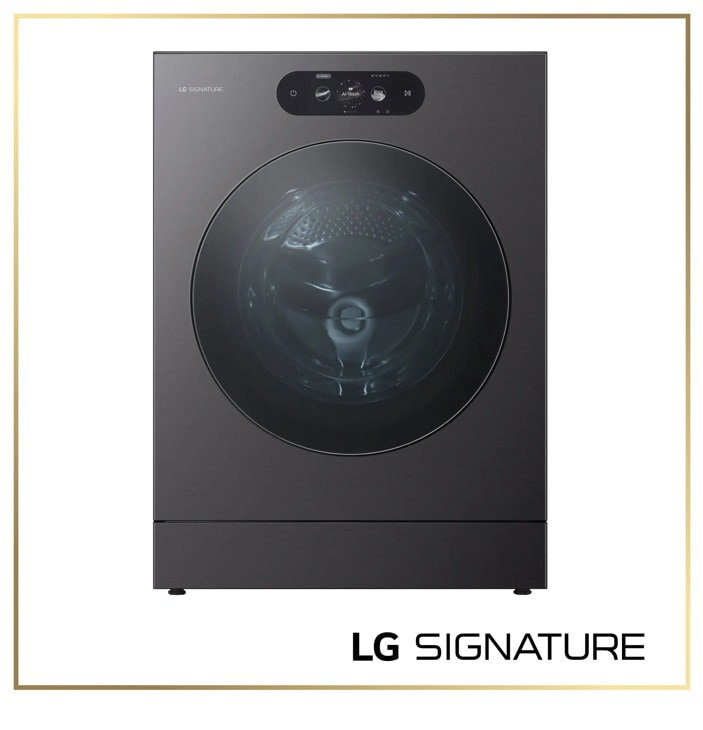
LG SIGNATURE-WM9901HBA — Washers Model
Discover the LG SIGNATURE Front Load Washer that features 5.8 cu. ft. Mega Capacity and Built-In Intelligence. Shop WM9901HBA from LG USA.
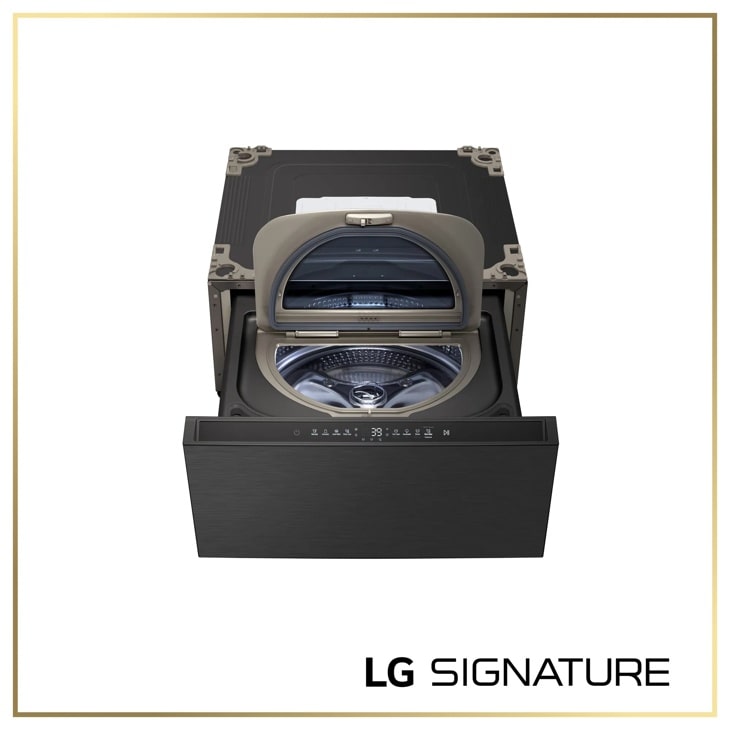
LG WD405CB — SIGNATURE 1.0 cu. ft. 29 Inch SideKick™ Pedestal Washer, LG TWINWash™ Compatible
Model-specific features, specifications and buying guidance.
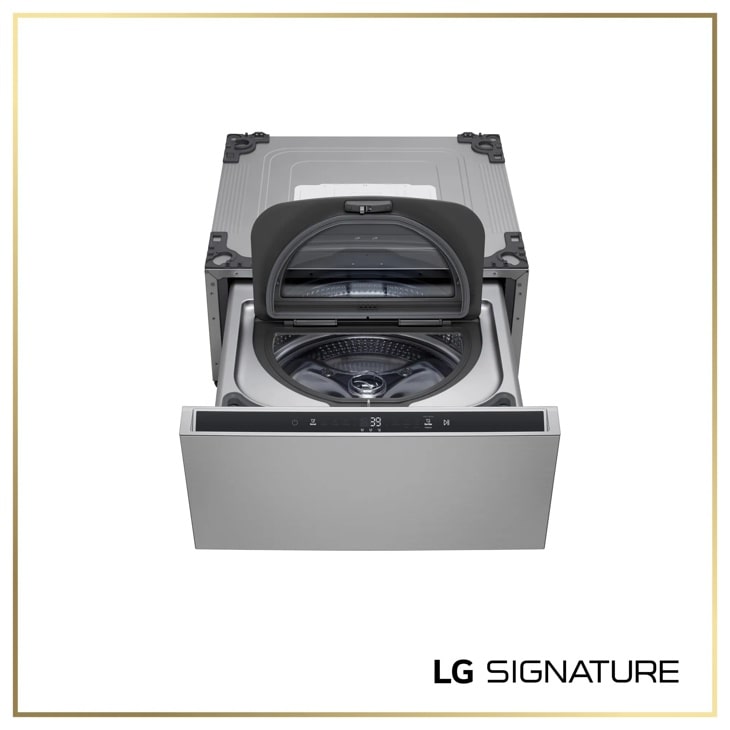
LG WD405CP — SIGNATURE 1.0 cu. ft. 29 Inch SideKick™ Pedestal Washer, LG TWINWash™ Compatible
Discover the LG SIGNATURE SideKick™ Pedestal Washer that features 1.0 cu.ft. Capacity and Detergent and Softener Dispensers. Shop WD405CP from LG USA.
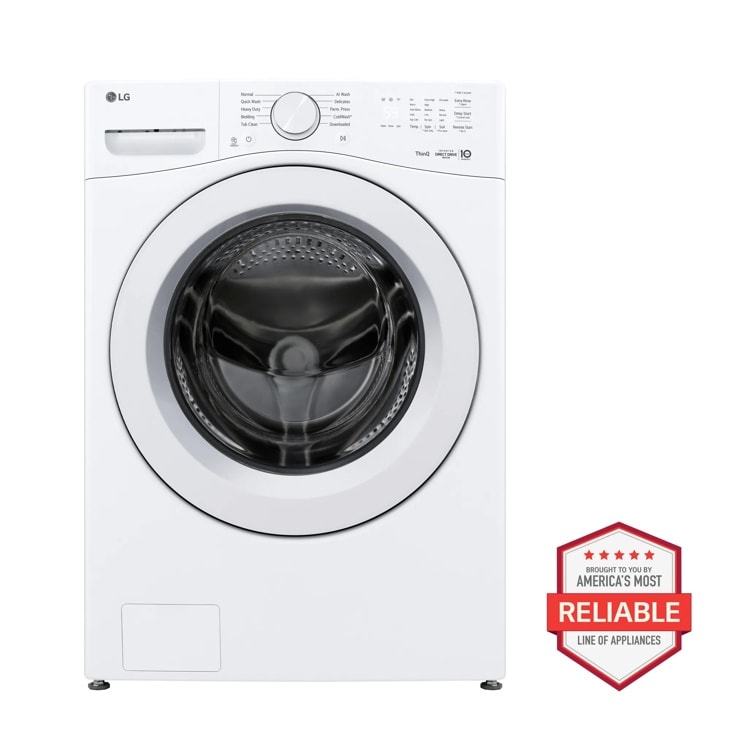
LG WM3420CW — 4.5 cu. ft. Ultra Large Capacity Smart Front Load Washer
Home Appliances · Top Appliance Deals
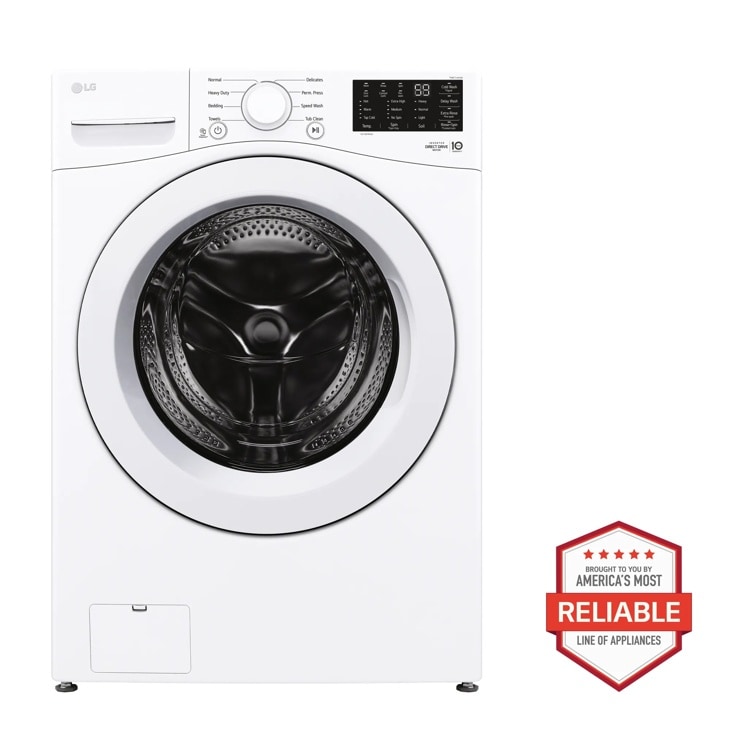
LG WM3470CW — 5.0 cu. ft. Mega Capacity Front Load Washer
Discover the 5.0 cu. ft. Mega Capacity Front Load Washer that features 6Motion™ Technology and ColdWash™ Technology. Shop WM3470CW from LG USA.