What to Check First
- Allow the oven to cool to room temperature before using the EasyClean™ cycle. If your oven cavity is above 150 °F (65 °C), Hot will appear in the display, and the EasyClean™ cycle will not be activated until the oven cavity cools down.
- The range should be level to ensure that the bottom surface of the oven cavity is entirely covered by water at the beginning of the EasyClean™ cycle.
- For best results, use distilled or filtered water. Tap water may leave mineral deposits on the oven bottom.
- Soil baked on through several cooking cycles will be more difficult to remove with the EasyClean™ cycle.
- Do not open the oven door during the EasyClean™ cycle. Water will not get hot enough if the door is opened during the cycle.
- Turn the oven mode knob to select EasyClean™ or press EasyClean™.
- EasyClean™ makes cleaning your oven safer and faster by loosening up soils, such as food spills, light grease splatter, and more in just 20 minutes.
- During the 20-minute cycle, you may notice water vapor or what looks like smoke coming out of your cooktop vents. This is normal. At the end of the cycle, a tone will sound. Press the upper or lower clear off button to clear the display and tone. After the cleaning cycle and during hand cleaning, the soils in your oven should still be fully submerged in water for better cleaning performance. Add warm water to the oven cavity if more water is necessary.
- Clean the oven cavity immediately after the easy cycle by wiping with the white non-scratch scouring pad or sponge. If you have a gas oven, some water may spill into the bottom but it will not hurt the burner. Avoid leaning or resting on the oven door glass while cleaning the oven cavity. Once the oven cavity is clean, wipe any excess water with a clean dry towel. Replace racks and any other accessories.
- These easy clean instructions should be followed for both the upper and lower oven. If some light soils remain after hand cleaning, repeat the easy clean process making sure to thoroughly soak the problem areas with water. If stubborn soils remain after multiple easy clean cycles, you can run the self-clean cycle to rid of these soils completely.
Why This Can Happen
Symptoms can have more than one cause, and the correct steps depend on the exact model, installation and operating conditions. Use the checks above to narrow the issue before service.
Safety and Model-Specific Guidance
Frequently Asked Questions
What should I check first for LG Range – How to Clean Your Oven Using EasyClean™?
Allow the oven to cool to room temperature before using the EasyClean™ cycle. If your oven cavity is above 150 °F (65 °C), Hot will appear in the display, and the EasyClean™ cycle will not be activated until the oven cavity cools down.
When should I stop troubleshooting and contact LG?
Stop if the product shows signs of electrical damage, burning, leaking near electrical components, or if the recommended checks do not resolve the issue. Use LG USA support for model-specific service guidance.
Does this guidance apply to every LG model?
Not always. Controls, error codes and service steps can differ by model. Confirm the exact model number and follow the linked LG USA article for model-specific instructions.
Related LG Products
These model pages are linked because the stored category or exact model matches this Help Library topic.
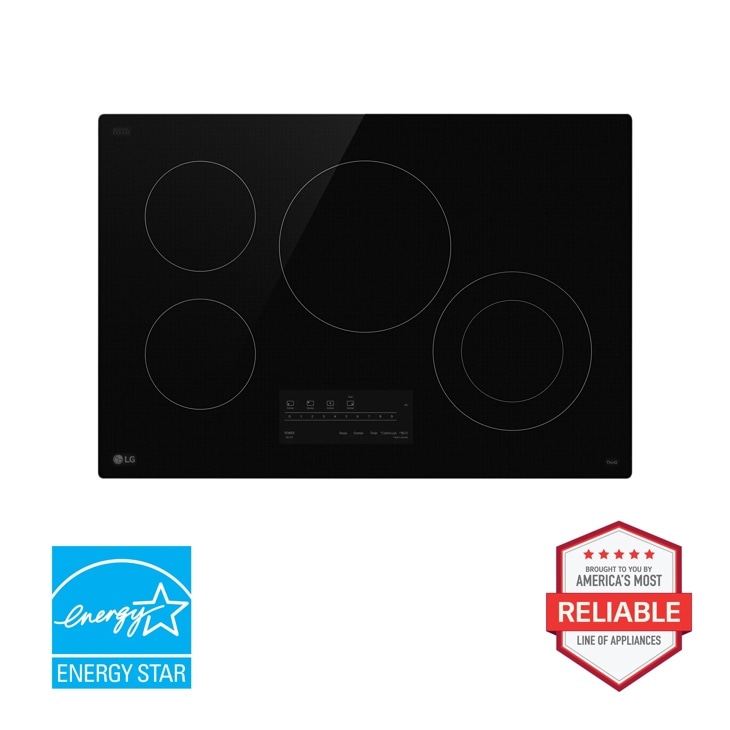
LG CBEW3013BE — 30” Electric Cooktop with UltraHeat™ 2.5kW Element
Check out the 30” Electric Cooktop with UltraHeat™ 2.5kW Element in Black that features 4 electric radiant elements and UltraHeat™ 2.5kW.
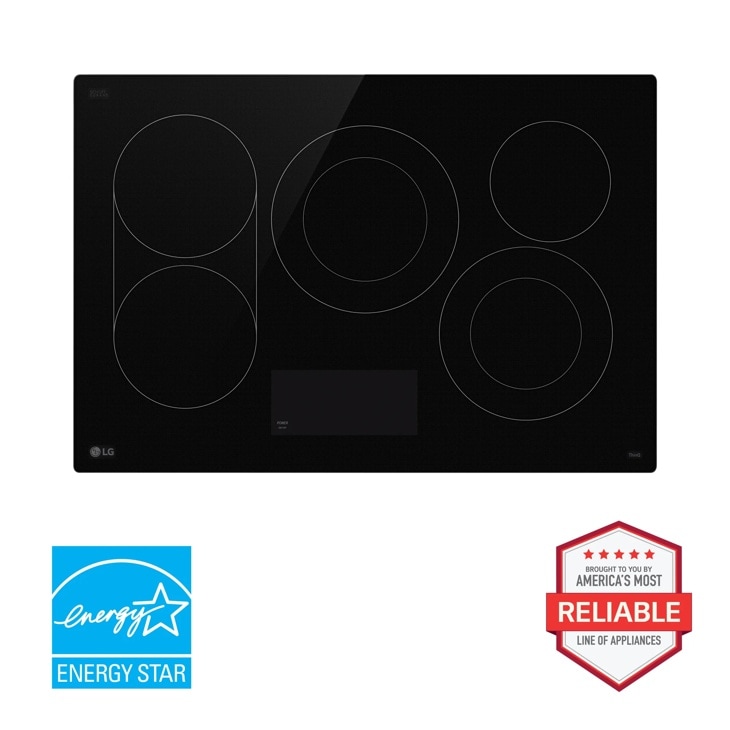
LG CBEW3017BE — 30” Electric Cooktop with UltraHeat™ 3.2kW Element
Check out the 30” Electric Cooktop with UltraHeat™ 3.2kW Element in Black that features 5 electric radiant elements and UltraHeat™ 3.2kW.
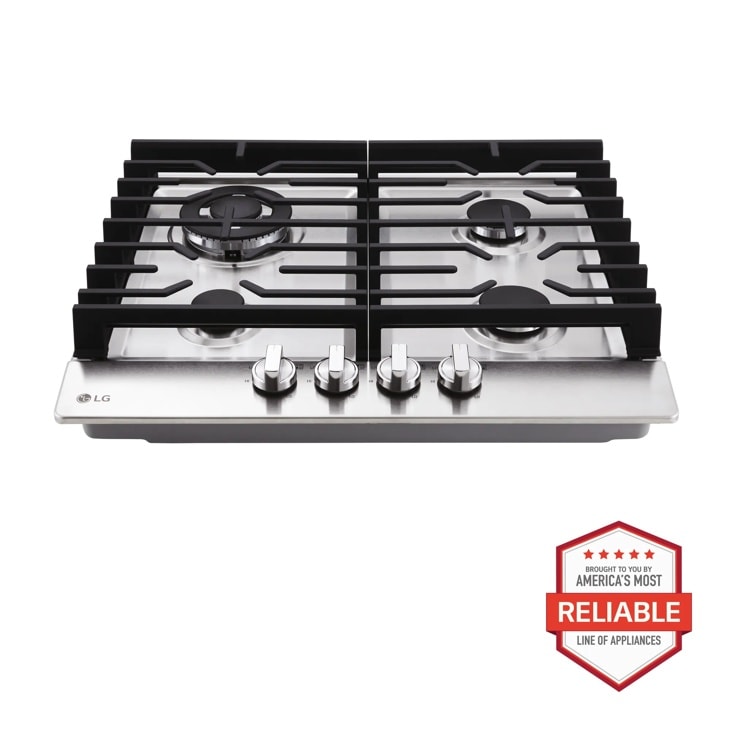
LG CBGD2414S — 24 Inch Compact Gas Cooktop
Discover the 24-inch Compact Gas Cooktop that features 14K BTU Dual Burner and Stainless Steel Finish. Shop CBGD2414S from LG USA.
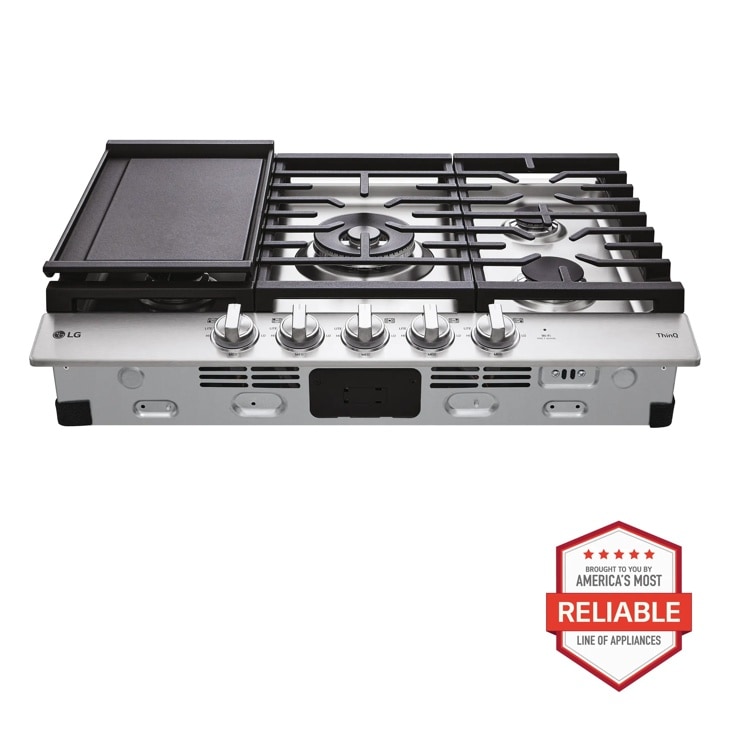
LG CBGJ3027S — 30 Inch Smart Gas Cooktop with UltraHeat™ 22K BTU Dual Burner and LED Knobs
Get the 30" Gas Cooktop (CBGJ3027S) with Removeable Cast-Iron Griddle Plate, Stainless Steel Finish, and White LED Illuminated Knobs for Premium Performance.
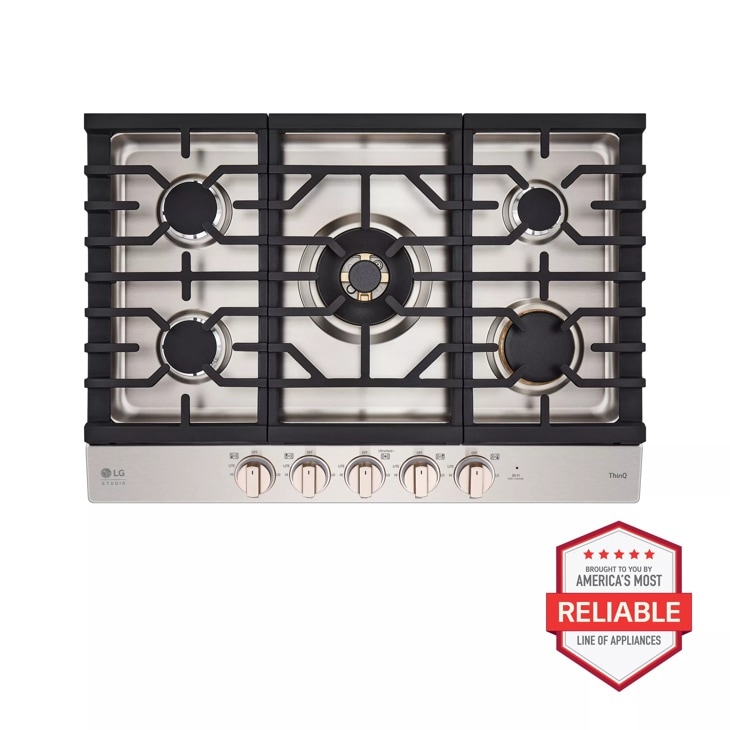
LG CBGS3028N — STUDIO 30 Inch UltraHeat™ Gas Cooktop with EasyClean®
Discover the LG STUDIO 30" Gas Cooktop that features UltraHeat™ Dual Burner and EasyClean®. Let your vibe shine with CBGS3028N from LG STUDIO.