What to Check First
- How to Disable Auto Conversion?
- How to Use Convection Bake.
- Convection Baking Chart.
- How to Use Convection Roast.
- The convection cooking modes automatically reduce the oven temperature by 25 °F (14 °C) by using a feature called auto conversion.
- For example, select Conv. Bake, enter 350 °F, and 325 °F shows on the display after preheat.
- Auto Conversion is enabled by default on the range. See below for instructions on how to disable the auto conversion feature.
- Biscuits (Made From Scratch).
- Fruit Crisps and Cobblers From Scratch.
- Pies from Scratch, 2 Crust Fruit.
Why This Can Happen
Symptoms can have more than one cause, and the correct steps depend on the exact model, installation and operating conditions. Use the checks above to narrow the issue before service.
Safety and Model-Specific Guidance
Frequently Asked Questions
What should I check first for LG Range - Understanding Convection Cooking?
How to Disable Auto Conversion?
When should I stop troubleshooting and contact LG?
Stop if the product shows signs of electrical damage, burning, leaking near electrical components, or if the recommended checks do not resolve the issue. Use LG USA support for model-specific service guidance.
Does this guidance apply to every LG model?
Not always. Controls, error codes and service steps can differ by model. Confirm the exact model number and follow the linked LG USA article for model-specific instructions.
Related LG Products
These model pages are linked because the stored category or exact model matches this Help Library topic.
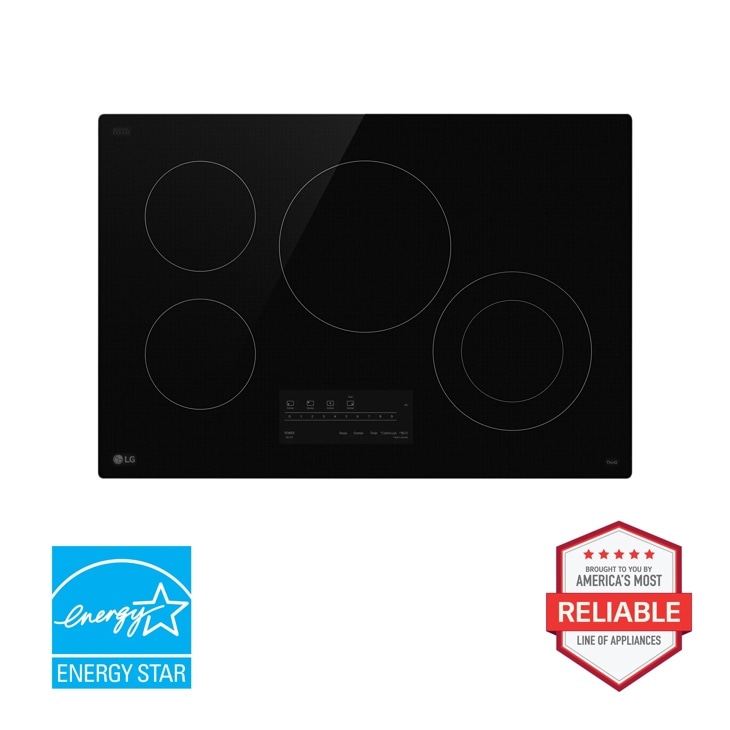
LG CBEW3013BE — 30” Electric Cooktop with UltraHeat™ 2.5kW Element
Check out the 30” Electric Cooktop with UltraHeat™ 2.5kW Element in Black that features 4 electric radiant elements and UltraHeat™ 2.5kW.
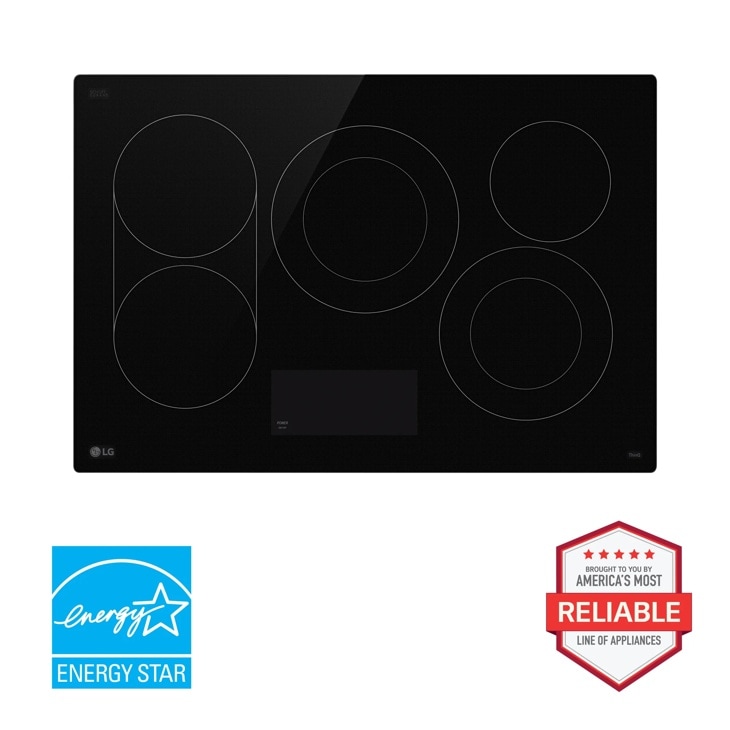
LG CBEW3017BE — 30” Electric Cooktop with UltraHeat™ 3.2kW Element
Check out the 30” Electric Cooktop with UltraHeat™ 3.2kW Element in Black that features 5 electric radiant elements and UltraHeat™ 3.2kW.
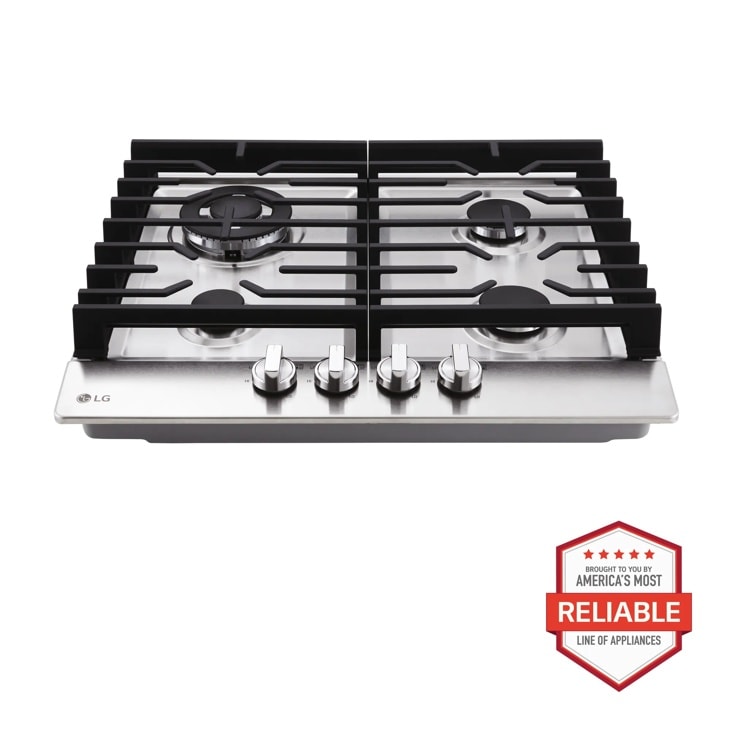
LG CBGD2414S — 24 Inch Compact Gas Cooktop
Discover the 24-inch Compact Gas Cooktop that features 14K BTU Dual Burner and Stainless Steel Finish. Shop CBGD2414S from LG USA.
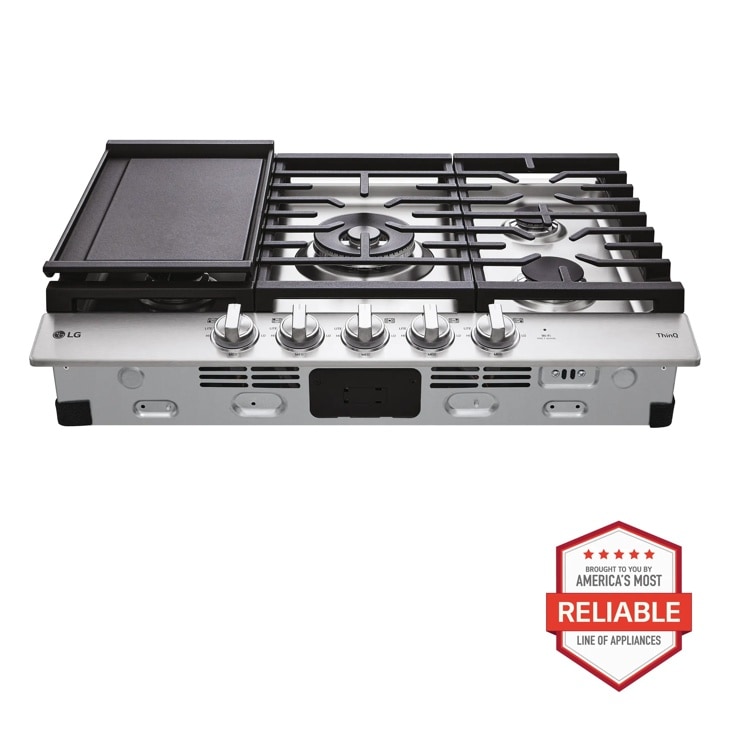
LG CBGJ3027S — 30 Inch Smart Gas Cooktop with UltraHeat™ 22K BTU Dual Burner and LED Knobs
Get the 30" Gas Cooktop (CBGJ3027S) with Removeable Cast-Iron Griddle Plate, Stainless Steel Finish, and White LED Illuminated Knobs for Premium Performance.
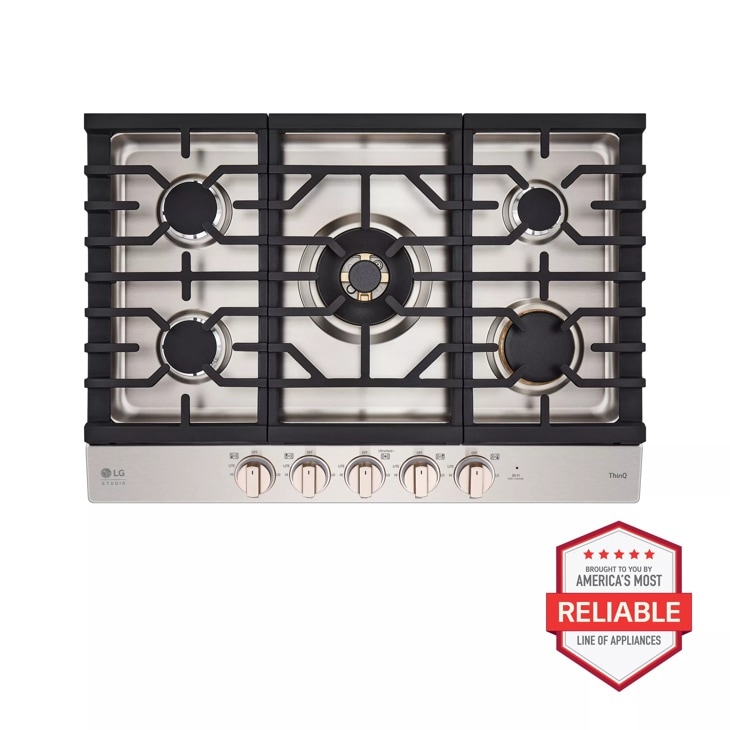
LG CBGS3028N — STUDIO 30 Inch UltraHeat™ Gas Cooktop with EasyClean®
Discover the LG STUDIO 30" Gas Cooktop that features UltraHeat™ Dual Burner and EasyClean®. Let your vibe shine with CBGS3028N from LG STUDIO.