What to Check First
- LG Backup - Back up or restore content on your mobile device via USB.
- Software update - Update your mobile devices software via USB.
- Features may differ depending on the connected mobile device.
- To start the set up, click Next .
- select your country and click Next .
- Add a check mark to both boxes to "agree" and click Next .
- Select the location of where to save the program and click Install.
- Wait for the progress to complete and click Next .
- if you wish to open the LG bridge, place a check mark next to the option and click finish to close the install.
- Click the LG Backup tab, Ensure your phone is connected to the computer and click Back Up.
Why This Can Happen
Symptoms can have more than one cause, and the correct steps depend on the exact model, installation and operating conditions. Use the checks above to narrow the issue before service.
Safety and Model-Specific Guidance
Frequently Asked Questions
What should I check first for LG BRIDGE - Download & How to Use?
LG Backup - Back up or restore content on your mobile device via USB.
When should I stop troubleshooting and contact LG?
Stop if the product shows signs of electrical damage, burning, leaking near electrical components, or if the recommended checks do not resolve the issue. Use LG USA support for model-specific service guidance.
Does this guidance apply to every LG model?
Not always. Controls, error codes and service steps can differ by model. Confirm the exact model number and follow the linked LG USA article for model-specific instructions.
Related LG Products
These model pages are linked because the stored category or exact model matches this Help Library topic.
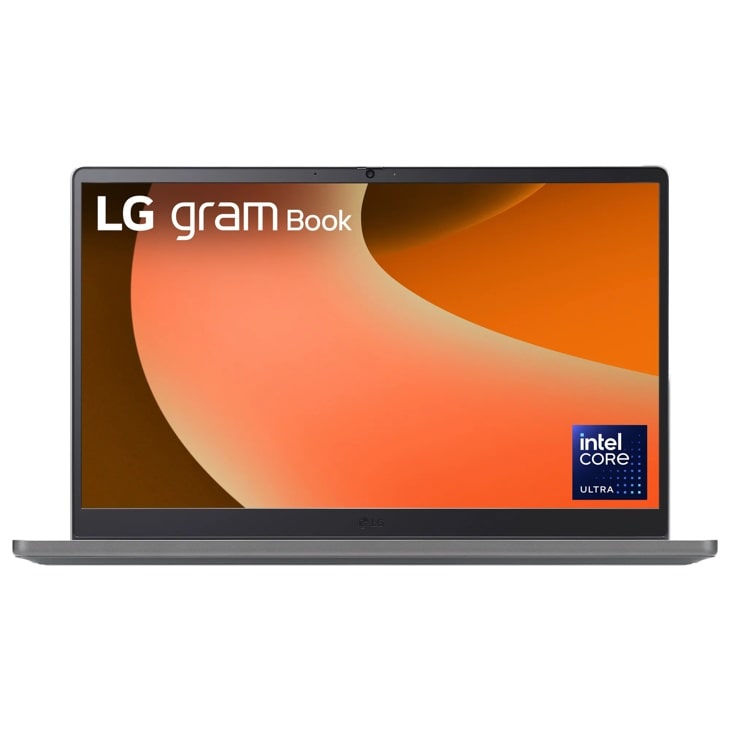
LG 15U50T — gram Book 15.6 Inch, Thin and Lightweight Laptop, Windows 11 Home, Intel® Core™ i5-1334U, 8GB RAM, 512GB SSD, Titan Silver
Home Appliances · Top Appliance Deals
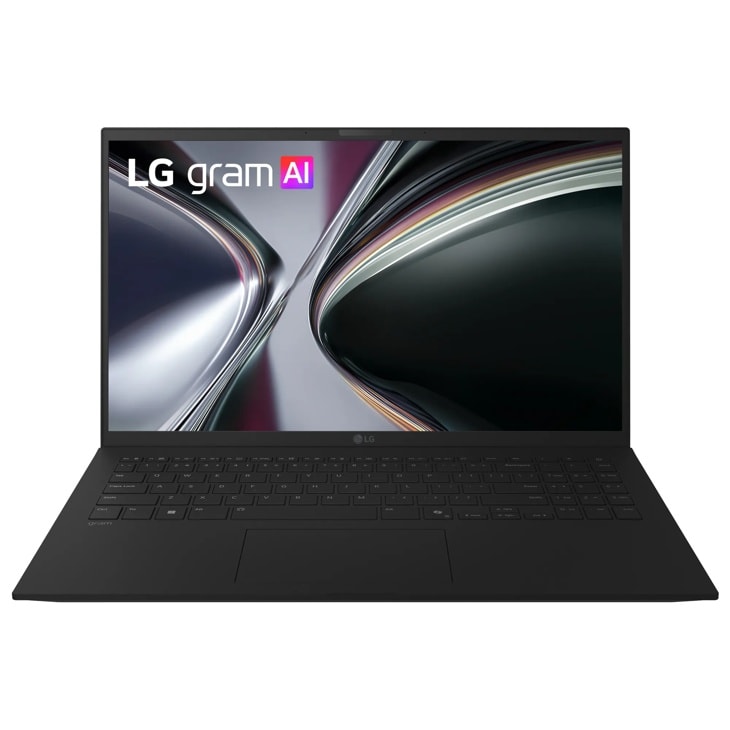
LG 15Z90U — gram 15 Inch Copilot+ PC, Windows 11 Home, Lightweight Dual AI Touchscreen Laptop, Intel® Core™ Ultra 7, 32GB RAM, 1TB SSD, Black
Home Appliances · Top Appliance Deals

LG 16T95TP — gram Pro 2-in-1 16 Inch, Windows 11 Home, Lightweight Dual AI Laptop, Intel® Core™ Ultra 7, 16GB RAM, 1TB SSD, Black
Discover the 16 Inch 2-in-1 OLED Display that features Intel® Core™ Ultra 7 and Dual AI. Find reviews, specs, and more for 16T95TP-K.AA77U1.
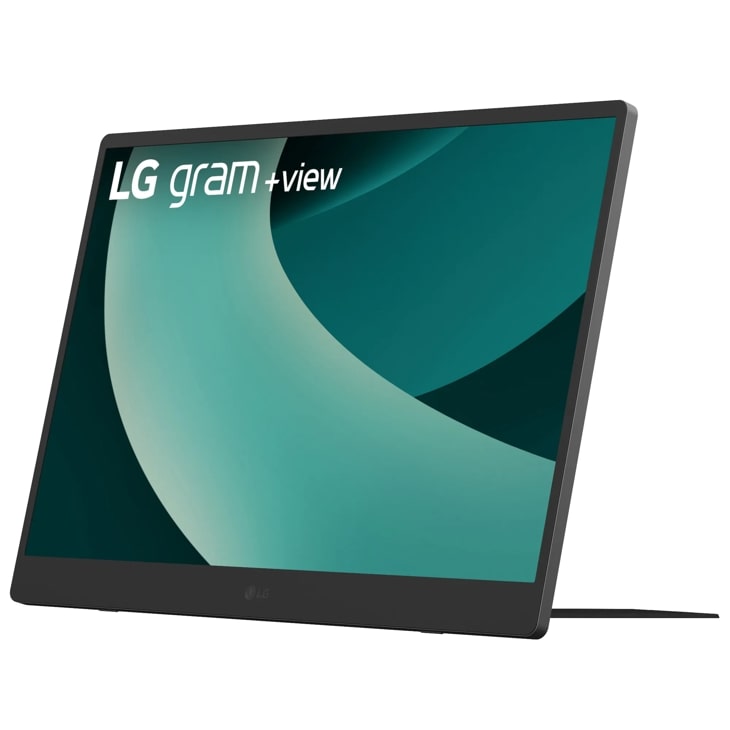
LG 17MT70.ASDU1 — 17 Inch LG gram +view IPS Portable Monitor, Silver
Discover the 17" Portable Monitor that features thin & lightweight and portable. Find reviews, specs, and more for 17MT70.ASDU1.
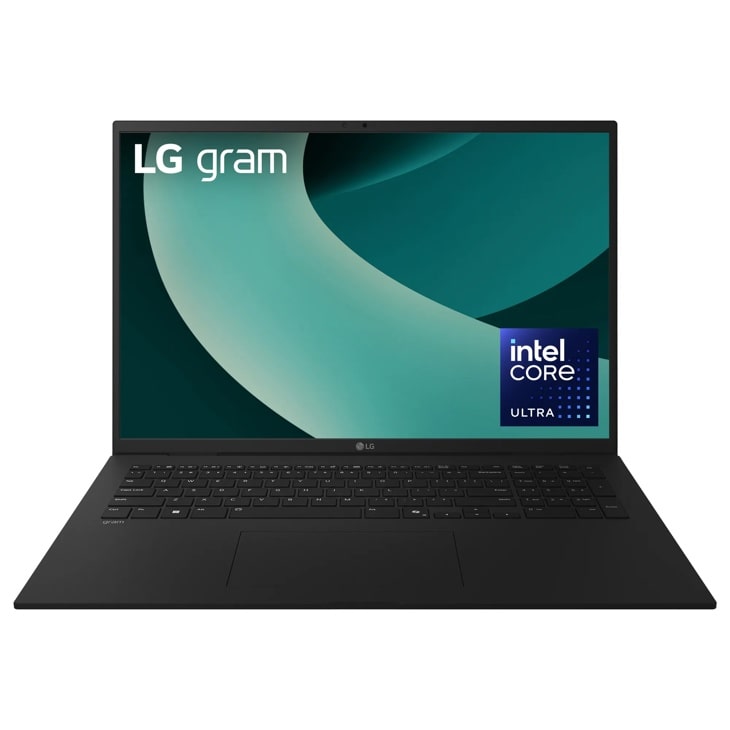
LG 17Z90TL — gram 17 Inch, Copilot+ PC, Thin and Lightweight Laptop, Windows 11 Home, Intel Evo Edition - Intel® Core™ Ultra 9, 32GB RAM, 1TB SSD, Black
Home Appliances · Top Appliance Deals