What to Check First
- Hard type USB devices.
- Maximum number of files : up to 2000.
- Maximum number of directories : up to 200.
- DRM protected file cannot be played on the on the sound bar.
- USB device stored Video files cannot be played.
- Pending USB device performance , playback may not work well.
- 2019 Sound Bars - USB Device Unrecognized.
- LG Audio sound bars prior to the 2019 line-up featured a USB port at the rear that was strictly for Service Support such as software version updates. Recent models will now allow music playback from a connected USB peripheral.
- Should you encounter any situation for which connected USB peripheral is just not getting recognized, go through the following list of limitations and make sure file extension, sampling frequency and bitrate resolution are supported and limitations are not an issue.
- If the USB memory peripheral is not recognized despite having been formatted FAT or FAT32, it would then mean the USB memory device’s file system is corrupted.
Why This Can Happen
Symptoms can have more than one cause, and the correct steps depend on the exact model, installation and operating conditions. Use the checks above to narrow the issue before service.
Safety and Model-Specific Guidance
Frequently Asked Questions
What should I check first for USB peripheral not recognized?
Hard type USB devices.
When should I stop troubleshooting and contact LG?
Stop if the product shows signs of electrical damage, burning, leaking near electrical components, or if the recommended checks do not resolve the issue. Use LG USA support for model-specific service guidance.
Does this guidance apply to every LG model?
Not always. Controls, error codes and service steps can differ by model. Confirm the exact model number and follow the linked LG USA article for model-specific instructions.
Related LG Products
These model pages are linked because the stored category or exact model matches this Help Library topic.
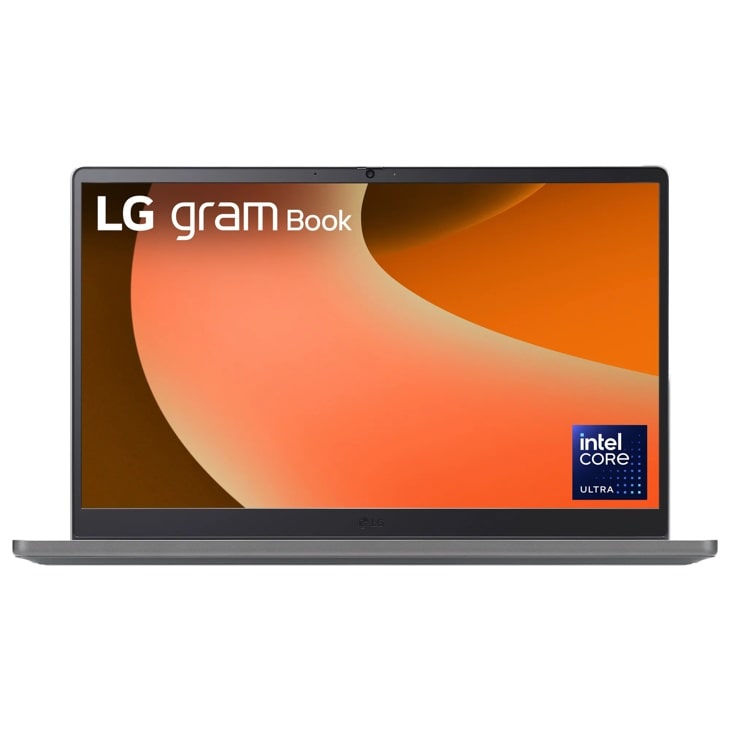
LG 15U50T — gram Book 15.6 Inch, Thin and Lightweight Laptop, Windows 11 Home, Intel® Core™ i5-1334U, 8GB RAM, 512GB SSD, Titan Silver
Home Appliances · Top Appliance Deals
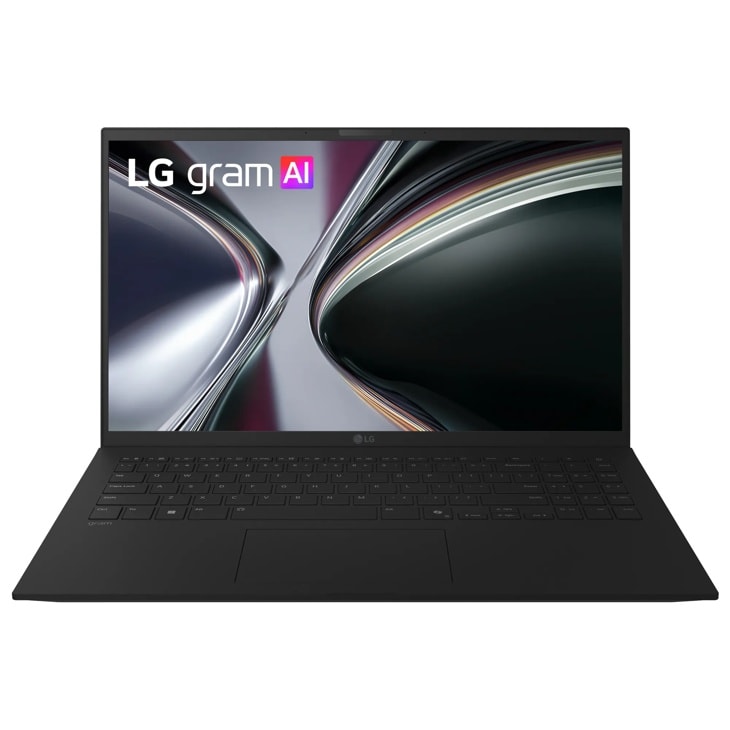
LG 15Z90U — gram 15 Inch Copilot+ PC, Windows 11 Home, Lightweight Dual AI Touchscreen Laptop, Intel® Core™ Ultra 7, 32GB RAM, 1TB SSD, Black
Home Appliances · Top Appliance Deals

LG 16T95TP — gram Pro 2-in-1 16 Inch, Windows 11 Home, Lightweight Dual AI Laptop, Intel® Core™ Ultra 7, 16GB RAM, 1TB SSD, Black
Discover the 16 Inch 2-in-1 OLED Display that features Intel® Core™ Ultra 7 and Dual AI. Find reviews, specs, and more for 16T95TP-K.AA77U1.
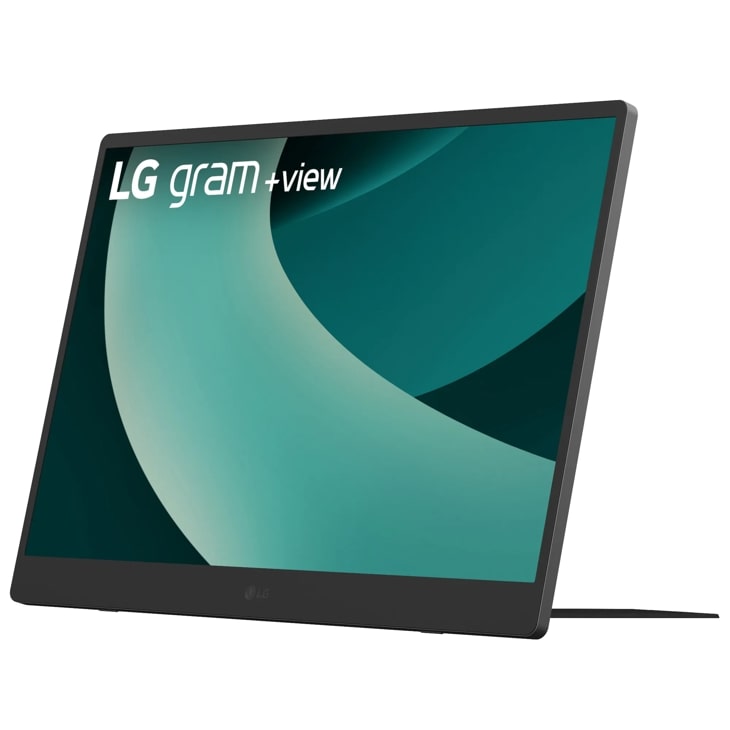
LG 17MT70.ASDU1 — 17 Inch LG gram +view IPS Portable Monitor, Silver
Discover the 17" Portable Monitor that features thin & lightweight and portable. Find reviews, specs, and more for 17MT70.ASDU1.
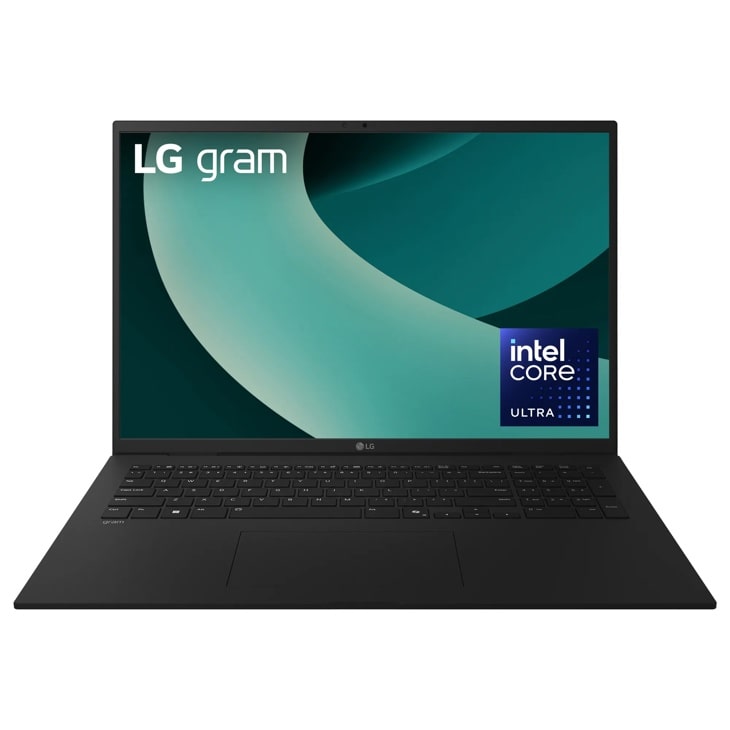
LG 17Z90TL — gram 17 Inch, Copilot+ PC, Thin and Lightweight Laptop, Windows 11 Home, Intel Evo Edition - Intel® Core™ Ultra 9, 32GB RAM, 1TB SSD, Black
Home Appliances · Top Appliance Deals