What to Check First
- A tS error may occur if the turbidity sensor has a connection problem or if the sensor is faulty.
- Especially in winter when washers can freeze, a sensing issue of the turbidity sensor may be caused and a tS error may occur.
- If the tS error was caused by low temperatures inside the wash drum, take the following measure. ※ A temporary error of the turbidity sensor may occur if the temperature inside the drum is low.
- 1. First, open the door and take out the laundry. Pour hot water that is between 50 to 60ºC (122 to 140ºF) into the drum. Make sure that water fills up the drum sufficiently. ※ Exercise caution to avoid burns when dealing with hot water.
- 2. Wait 1 to 2 hours for the internal temperature to rise. Then, run the spin dry cycle to drain all the water. ※ In winter, if you leave the washer unattended after pouring water into it, water may freeze. Make sure to promptly run the spin dry cycle to drain all the water.
- A temporary occurrence of the tS error can be resolved in the following way. When you spot a tS error, check if the laundry was properly spin dried by feeling it. If your laundry was spin dried, it means that washing was successfully completed and no further actions need to be taken.
- ※ If the issue does not resolve after following the above measures, it may suggest a malfunction with the turbidity sensor or its connections. Please reach out to an LG Electronics Service Center in such case.
- This guide was created for all models, so the images or content may be different from your product.
Why This Can Happen
Symptoms can have more than one cause, and the correct steps depend on the exact model, installation and operating conditions. Use the checks above to narrow the issue before service.
Safety and Model-Specific Guidance
Frequently Asked Questions
What should I check first for LG Frontload Washer - Troubleshooting a tS(t5) Error Code?
A tS error may occur if the turbidity sensor has a connection problem or if the sensor is faulty.
When should I stop troubleshooting and contact LG?
Stop if the product shows signs of electrical damage, burning, leaking near electrical components, or if the recommended checks do not resolve the issue. Use LG USA support for model-specific service guidance.
Does this guidance apply to every LG model?
Not always. Controls, error codes and service steps can differ by model. Confirm the exact model number and follow the linked LG USA article for model-specific instructions.
Related LG Products
These model pages are linked because the stored category or exact model matches this Help Library topic.
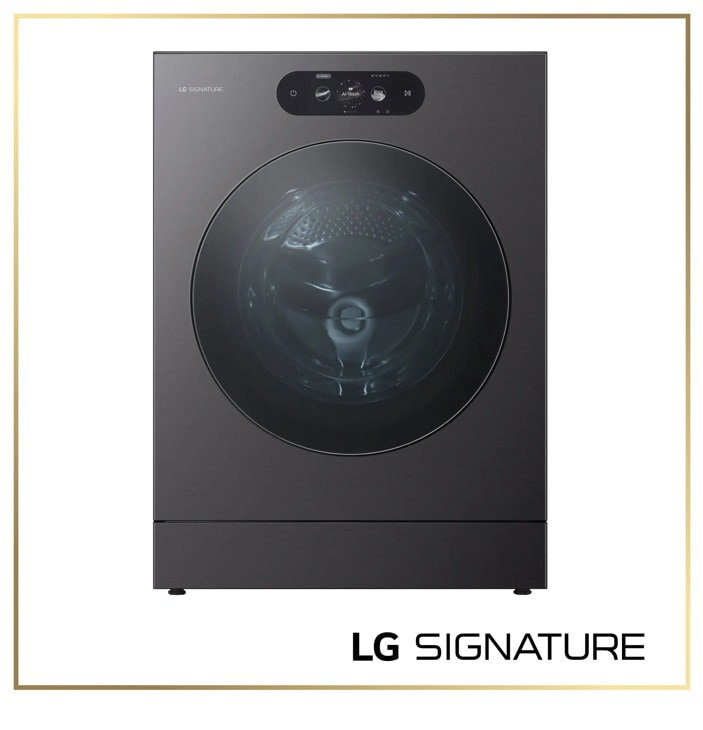
LG SIGNATURE-WM9901HBA — Washers Model
Discover the LG SIGNATURE Front Load Washer that features 5.8 cu. ft. Mega Capacity and Built-In Intelligence. Shop WM9901HBA from LG USA.
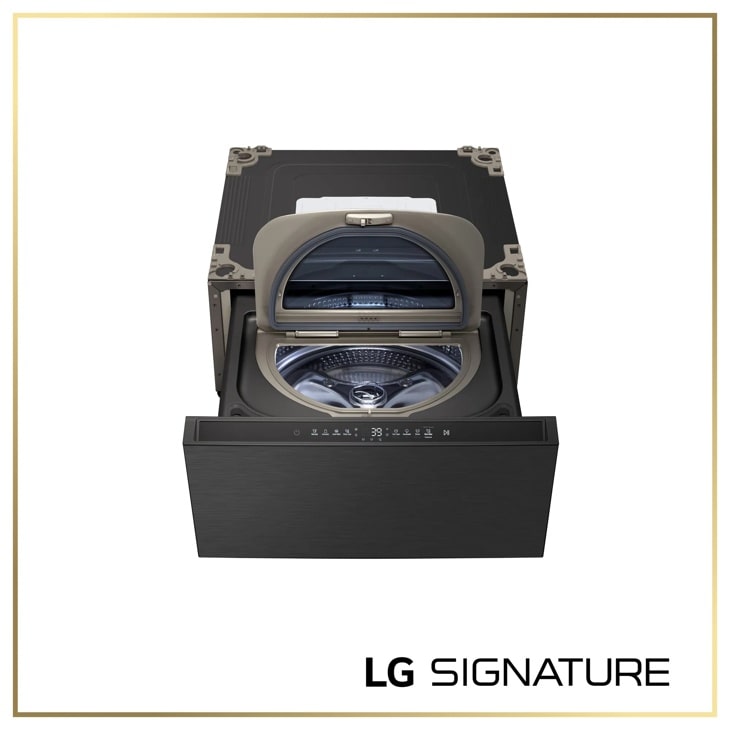
LG WD405CB — SIGNATURE 1.0 cu. ft. 29 Inch SideKick™ Pedestal Washer, LG TWINWash™ Compatible
Model-specific features, specifications and buying guidance.
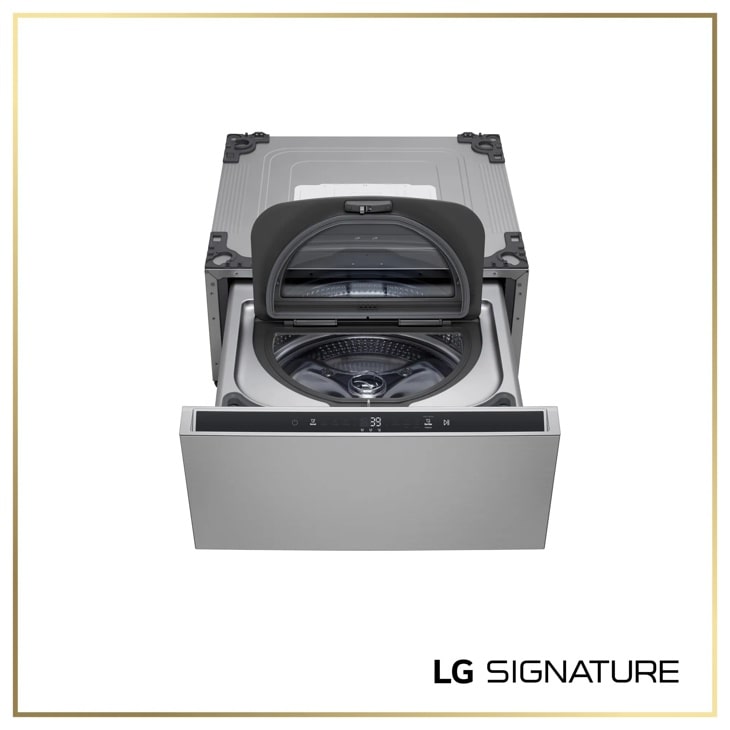
LG WD405CP — SIGNATURE 1.0 cu. ft. 29 Inch SideKick™ Pedestal Washer, LG TWINWash™ Compatible
Discover the LG SIGNATURE SideKick™ Pedestal Washer that features 1.0 cu.ft. Capacity and Detergent and Softener Dispensers. Shop WD405CP from LG USA.
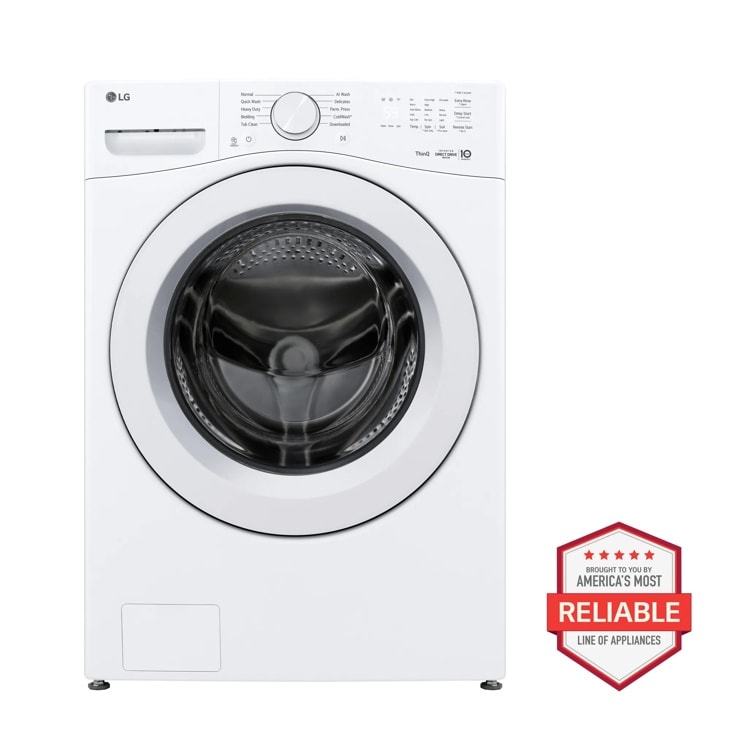
LG WM3420CW — 4.5 cu. ft. Ultra Large Capacity Smart Front Load Washer
Home Appliances · Top Appliance Deals
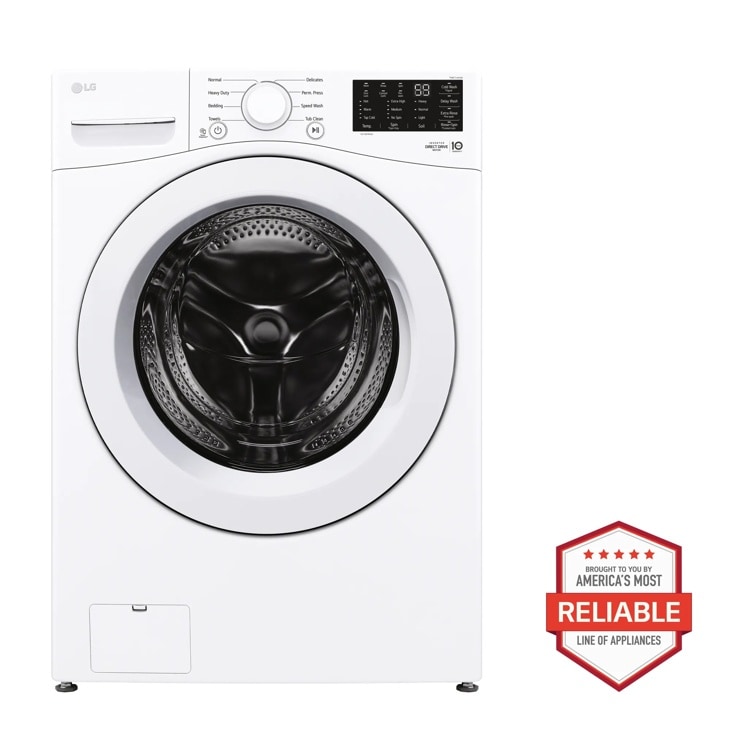
LG WM3470CW — 5.0 cu. ft. Mega Capacity Front Load Washer
Discover the 5.0 cu. ft. Mega Capacity Front Load Washer that features 6Motion™ Technology and ColdWash™ Technology. Shop WM3470CW from LG USA.